SuiteCRM Invoice Management: Workflows and Best Practices
⚡ Quick Summary / Key Takeaway
SuiteCRM Invoice Management: SuiteCRM Invoice Management empowers organizations to consolidate their sales and billing operations directly within the CRM ecosystem. By leveraging native modules alongside customized automation, businesses can accurately generate invoices from quotes, monitor payment statuses in real-time, and seamlessly connect with external payment gateways for efficient enterprise financial tracking.
Table of Contents
Efficient billing cycles are the backbone of sustainable enterprise growth. Implementing robust **SuiteCRM Invoice Management** strategies allows organizations to seamlessly bridge the gap between sales operations and financial tracking without leaving their CRM environment. While SuiteCRM offers solid out-of-the-box invoicing capabilities, enterprise users often require advanced automation, precise tax calculations, and direct payment gateway synchronization to handle complex billing scenarios.
In this comprehensive guide, we will explore the architectural foundation of billing within SuiteCRM, detail step-by-step UI configuration workflows, and discuss how specialized enhancements—such as the [MTS Advanced Invoice](https://store.mientrungsoft.com/mts-advanced-invoice/) and [MTS Stripe Integration](https://store.mientrungsoft.com/mts-stripe-integration/)—can transform a standard CRM deployment into a unified, high-performance financial engine. Whether you are an administrator rolling out SuiteCRM 8 or an operations manager seeking to optimize cash flow, these best practices will ensure a scalable and upgrade-safe implementation.
Core Concepts of SuiteCRM Invoice Management
For enterprise environments, the invoicing workflow is rarely a standalone process. It acts as a critical touchpoint that triggers subsequent actions, such as inventory deduction, automated renewal reminders, and financial reporting. Understanding the underlying data relationships is the first step in designing an upgrade-safe architecture that can scale alongside your organization’s transactional volume.
Standard Configuration and UI Workflows
Step-by-Step UI Configuration:
1. Define Product Categories and Line Items: Navigate to the Product Catalog to establish your standard offerings. Ensure that cost, list price, and applicable tax classes are accurately recorded.
2. Configure Tax Rates: Access the admin panel to define regional tax rates. This is crucial for accurate calculation during the invoice generation process.
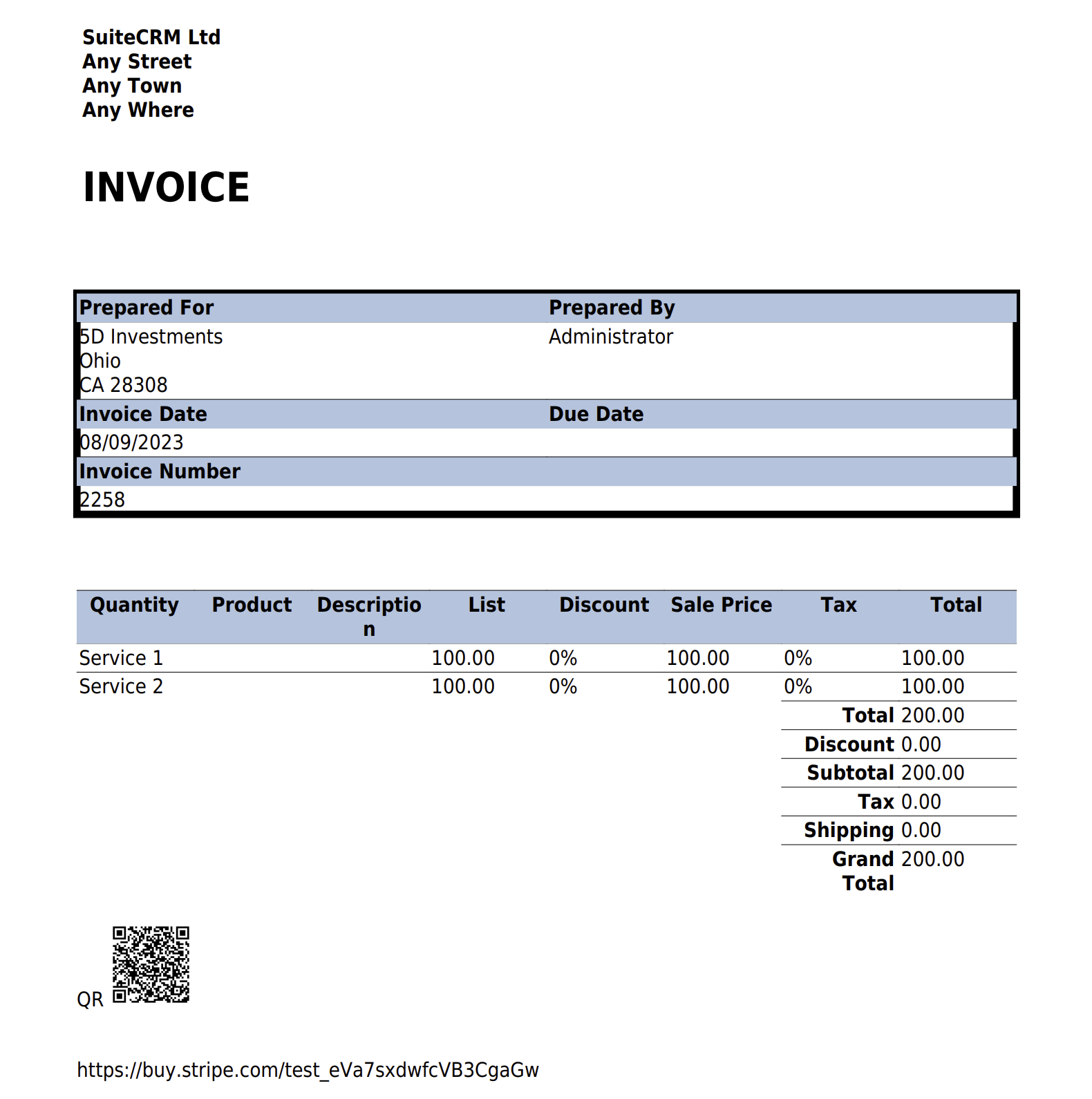
3. Customize Invoice Templates: Utilize the PDF Templates module to design professional invoice layouts. Insert dynamic variables to automatically pull Account names, billing addresses, and line-item totals directly from the CRM records.
4. Establish Workflow Automation: Create automated workflows to alert the finance team when a Quote reaches the ‘Accepted’ stage, prompting the immediate generation of an associated Invoice.
Following these administrative steps establishes a strong baseline for your billing operations, ensuring data consistency across all customer-facing documents.
Extending Capabilities with Professional CRM Plugins
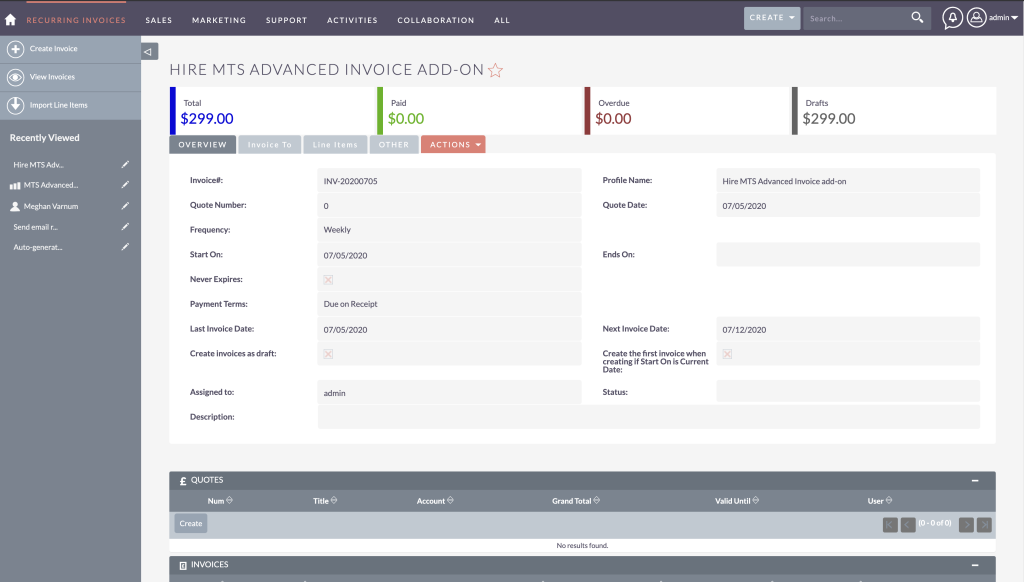
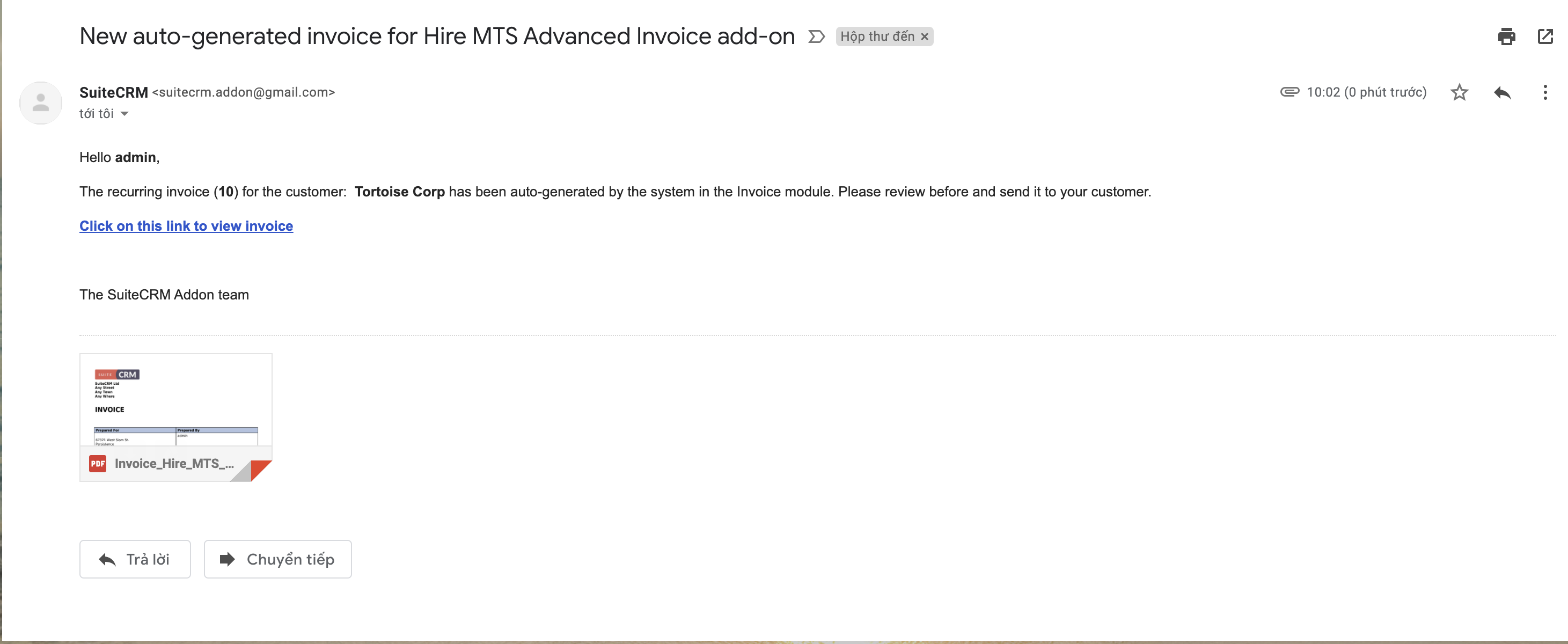
To significantly enhance billing workflows, organizations can integrate the MTS Advanced Invoice plugin. This solution extends native capabilities by offering sophisticated line-item management, automated recurring billing cycles, and advanced PDF rendering, allowing finance teams to handle high-volume invoicing with precision.
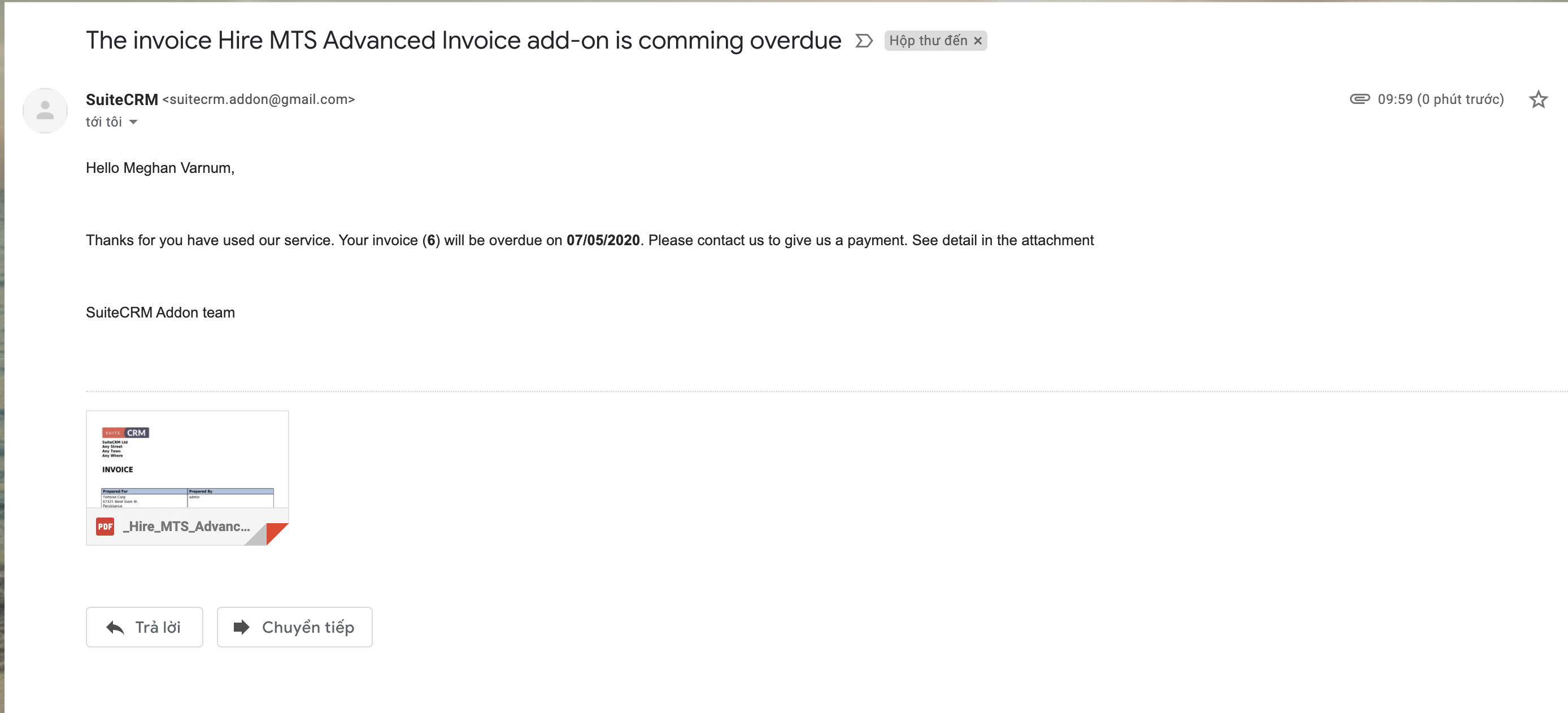
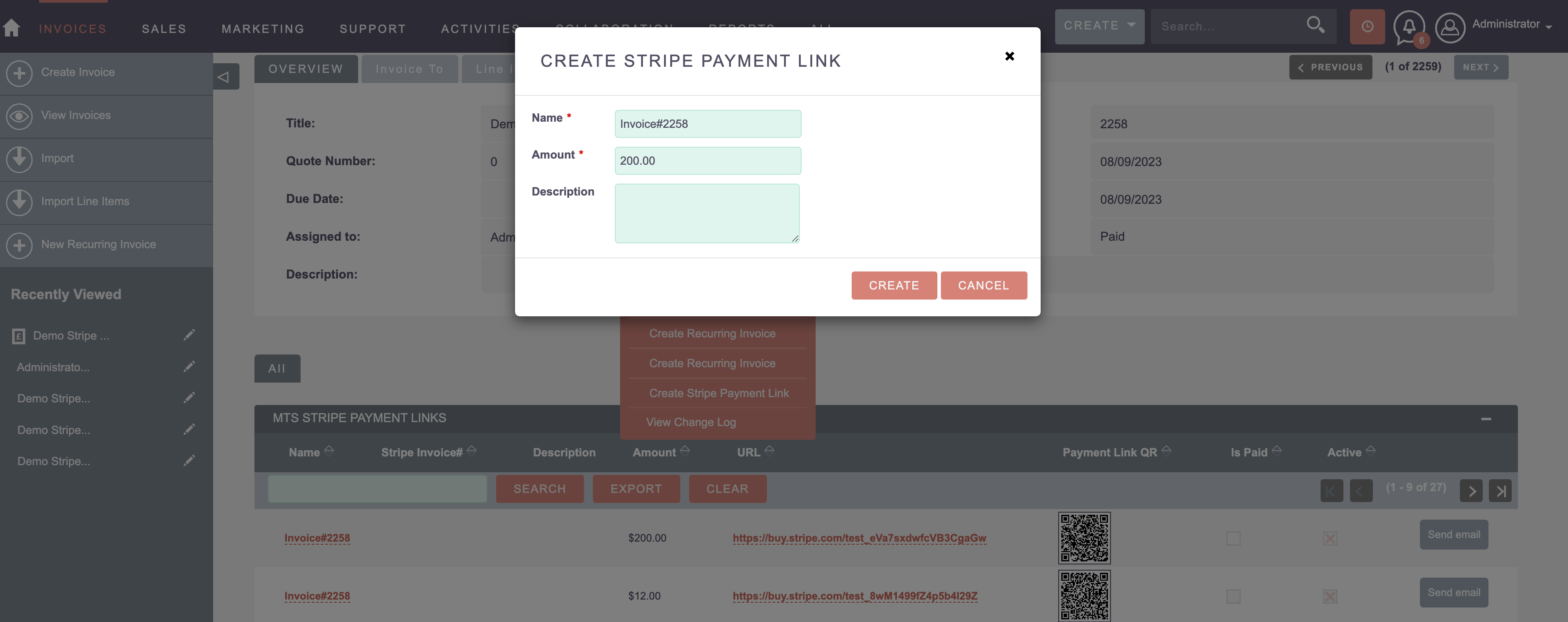
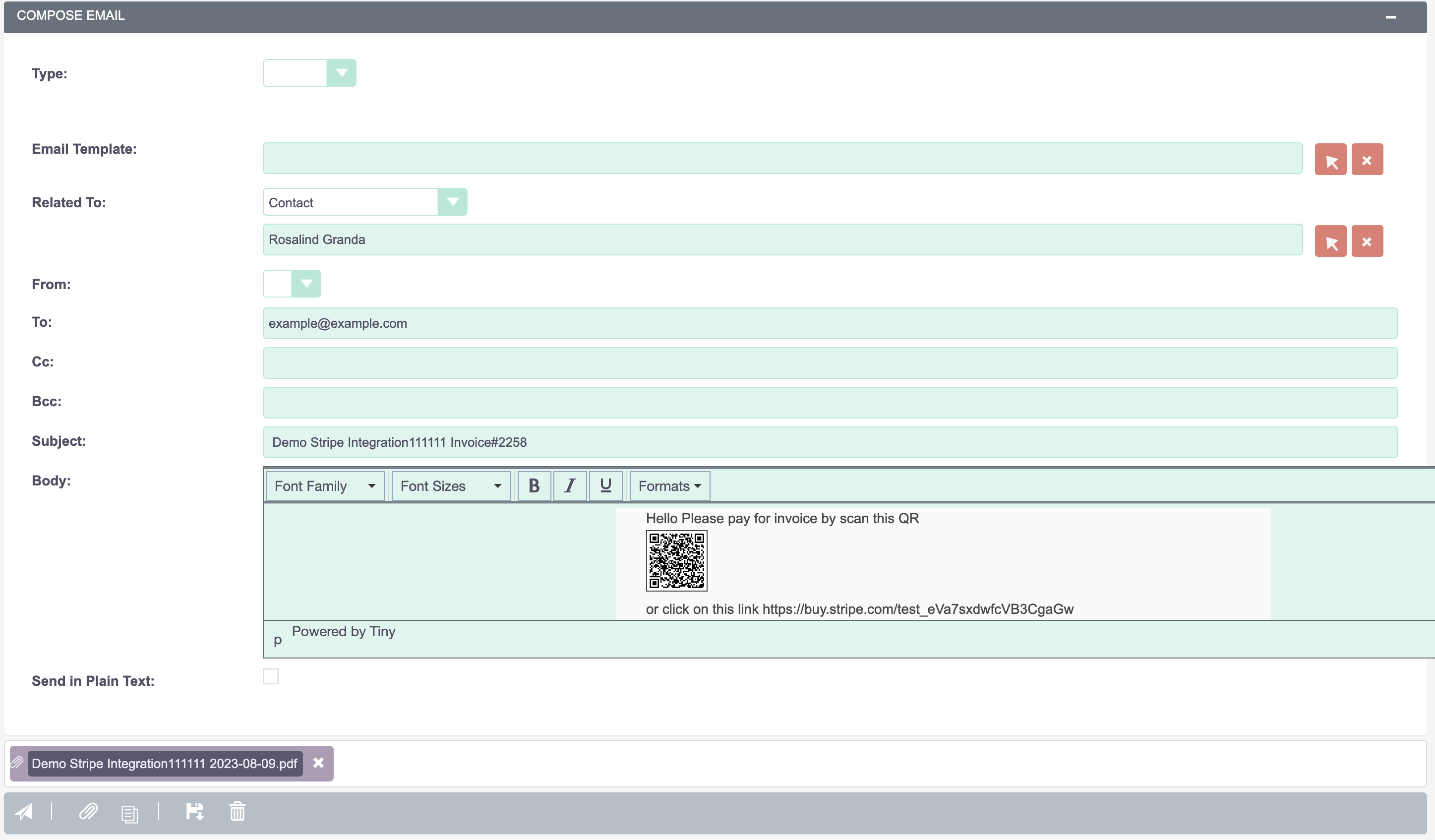
Furthermore, securing cash flow requires seamless payment collection. By implementing the MTS Stripe Integration, businesses can embed secure payment links directly into their CRM-generated invoices. This synchronization ensures that when a client processes a payment via Stripe, the corresponding invoice status in SuiteCRM is instantly updated to ‘Paid’, eliminating manual reconciliation and reducing administrative overhead.
Enterprise Implementation Best Practices
* Comprehensive Data Migration: When transitioning from legacy billing systems, conduct rigorous data mapping. Ensure historical invoices and payment records are accurately imported and linked to the correct Account and Contact records.
* Role-Based Access Control (RBAC): Financial data is highly sensitive. Configure strict Security Groups and Roles so that only authorized personnel (e.g., Finance and Senior Management) have the ability to edit or delete finalized invoices, while Sales representatives retain view-only access.
* Upgrade-Safe Customization: If custom logic is required for tax calculations or dynamic discounts, always utilize the custom directory structure and logic hooks. This guarantees that your billing architecture remains intact during future SuiteCRM framework upgrades.
* Automated Audit Trails: Enable tracking on critical invoice fields such as ‘Total Amount’ and ‘Status’. This provides a transparent audit history for accounting compliance and dispute resolution.
Common Pitfalls and Mitigation Strategies
Frequent Challenges:
Disconnected Product Catalogs: Generating invoices with ad-hoc pricing rather than utilizing the centralized Product Catalog leads to inconsistent financial reporting. Mitigation:* Mandate the use of pre-defined product lines and utilize approval workflows for custom pricing discounts.
Manual Payment Reconciliation: Relying on human intervention to update invoice statuses after receiving bank transfers is error-prone. Mitigation:* Implement automated gateway integrations, such as Stripe, to facilitate real-time status updates.
Over-Customizing Core Files: Modifying core CRM files to achieve a specific invoice layout can break the system during updates. Mitigation:* Rely on robust PDF template builders or certified plugins to manipulate output formats without compromising the system architecture.
✦ Key Takeaways
- ✓ Leverage core relational data between Accounts, Quotes, and Invoices to automate accurate data population.
- ✓ Implement Role-Based Access Control (RBAC) to secure sensitive financial records and maintain audit compliance.
- ✓ Utilize specialized plugins like MTS Advanced Invoice to handle complex, high-volume recurring billing cycles.
- ✓ Integrate payment gateways such as Stripe to automate invoice status reconciliation and accelerate cash flow.
- ✓ Always apply upgrade-safe customization methodologies to ensure long-term stability across CRM versions.
Conclusion
Optimizing **SuiteCRM Invoice Management** is a strategic investment that directly impacts cash flow efficiency, operational transparency, and customer satisfaction. By understanding the core architectural relationships, adhering to upgrade-safe configuration practices, and extending functionality with robust tools like MTS Advanced Invoice and Stripe integrations, enterprises can transform their CRM into a comprehensive revenue management platform.
For organizations requiring tailored billing logic, complex data migration, or specialized payment integrations, partnering with experienced developers ensures a seamless deployment. Mien Trung Soft provides comprehensive custom CRM development and consulting services to align your SuiteCRM environment perfectly with your intricate business processes.
Frequently Asked Questions (FAQ)
What is the best way to handle recurring billing in SuiteCRM?
While native SuiteCRM allows for manual invoice duplication, enterprise environments are best served by utilizing automated plugins like MTS Advanced Invoice, which can schedule and automatically generate recurring invoices based on predefined contract terms.
How do I ensure my SuiteCRM invoice customization is upgrade-safe?
To maintain upgrade safety, all custom PHP logic, workflow triggers, and field modifications must be executed within the ‘custom’ directory using the Extension framework and Logic Hooks, entirely avoiding alterations to the core system files.
Can SuiteCRM automatically update an invoice status when a client pays?
Yes, by integrating a payment gateway plugin such as the MTS Stripe Integration, the CRM can securely receive webhook notifications from the payment processor to instantly update the invoice status from ‘Unpaid’ to ‘Paid’.

Nhat Thieu
CRM · HRM · Custom SoftwareCRM Solution Architect & Developer specializing in open-source CRM/HRM customization, system integration, custom software and AI.