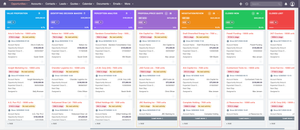
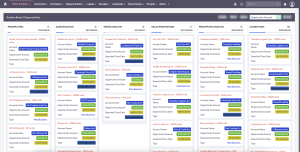
MTS Kanban for SuiteCRM: Turn Your CRM into a Jira & Trello Alternative
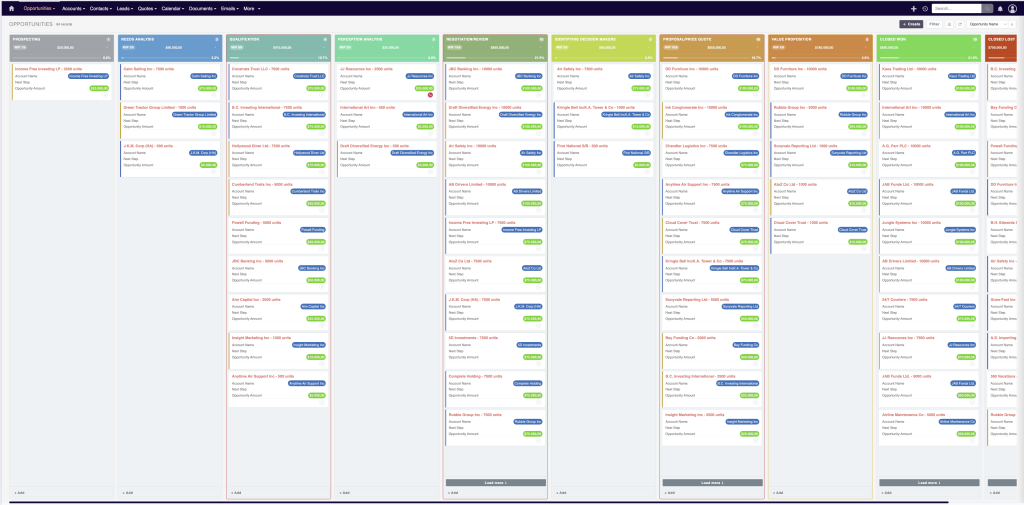
MTS Kanban for SuiteCRM: Transform Your CRM into a High-Performance Visual Workspace
Are your teams overwhelmed by rigid CRM table rows and endless browser tabs? MTS Kanban by Mien Trung Soft revolutionizes your workflow by bringing visual agile management directly into SuiteCRM 7 and SuiteCRM 8. Turn your CRM into a unified, all-in-one productivity hub—eliminating the need to pay for and sync external tools like Trello, Jira, or Asana.
⚡ Quick Answer: What is MTS Kanban for SuiteCRM?
MTS Kanban is an enterprise-grade extension developed by Mien Trung Soft that converts static SuiteCRM list views into interactive, drag-and-drop visual boards. It enables teams to manage deals, qualified leads, support cases, and custom module records on a single screen while enforcing data validation rules to maintain clean, consistent data.
Why Move from Static CRM Lists to Visual Kanban?
Traditional CRM list views create cognitive friction. Sales representatives and project managers spend excessive time opening individual records just to update a status or check deadline proximity.
MTS Kanban bridges this gap by combining the simplicity of Kanban boards with the deep data capabilities of SuiteCRM. Rather than bouncing between disconnected SaaS tools, your teams gain complete visibility and execution power in one central hub.
Core Features & Business Advantages
1. Everything You Need on a Single, Unified Screen
Say goodbye to tab overload. MTS Kanban concentrates your core actions directly within the board view:
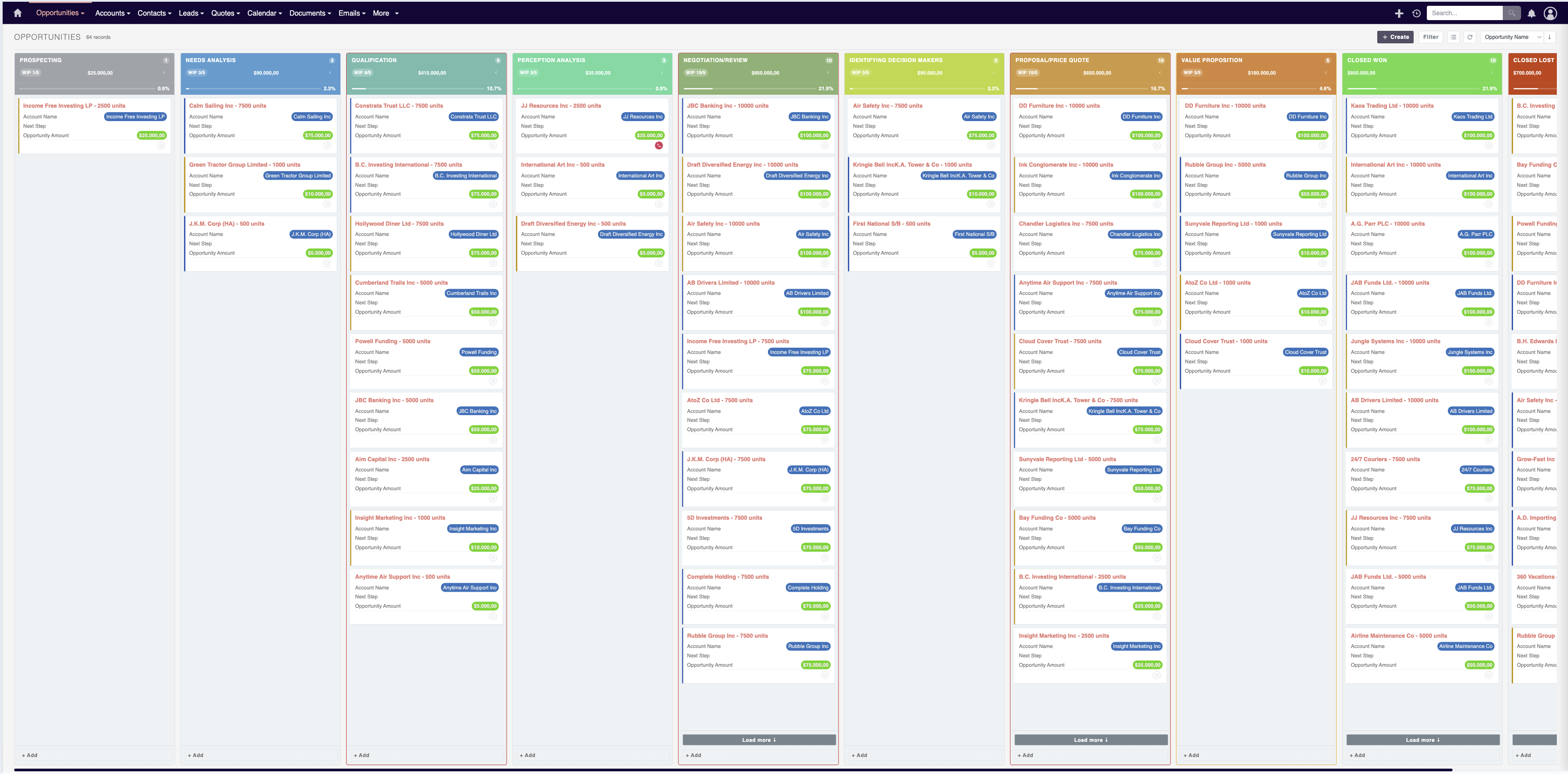
- Fluid Drag-and-Drop: Move cards across stages (e.g., from Prospecting to Proposal Sent or Closed Won) with instant database updates.
- In-Line Quick Actions: View critical details, edit core fields, log notes, and update assignments without leaving the board.
- Comprehensive Card Context: Display custom data points (amounts, account names, priority tags, SLA countdowns) directly on the card face.
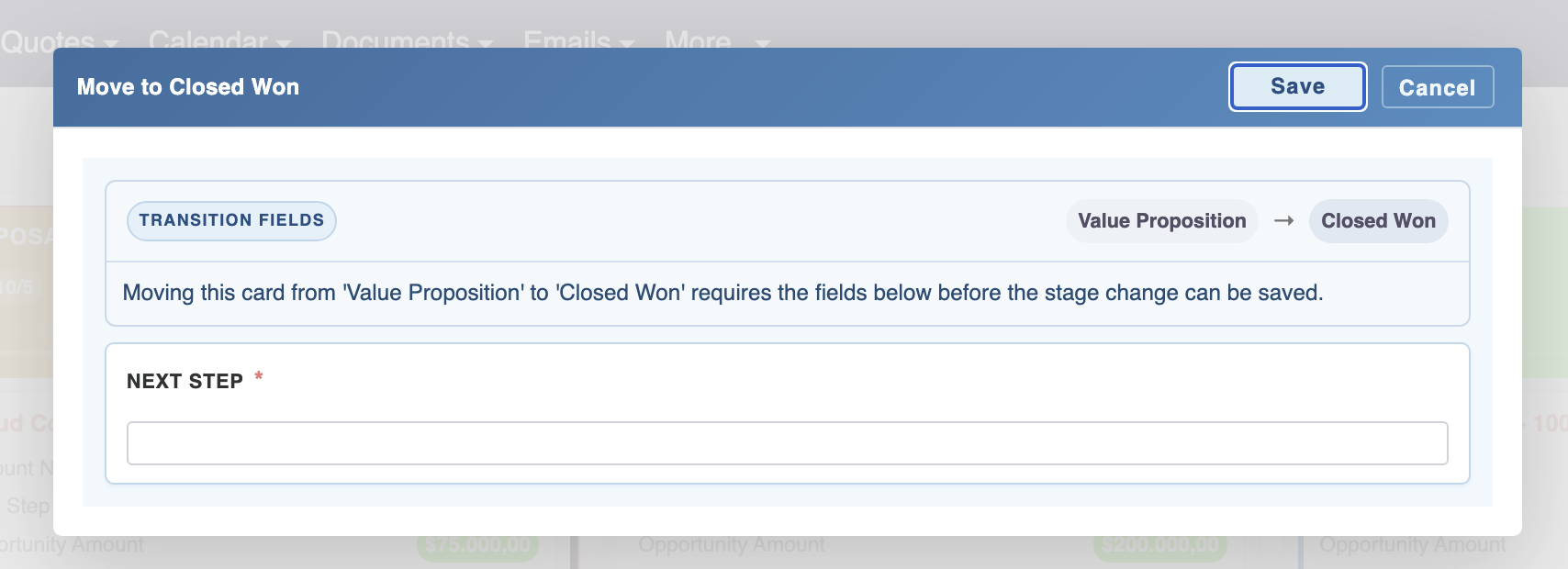
2. Strict Data Validation & Automatic Data Hygiene
Visual speed should never compromise data integrity. A common flaw in third-party kanban tools is bypassing CRM validation rules. MTS Kanban reinforces system constraints:
- Mandatory Field Constraints: Prevent users from moving a record to the next column unless required data (e.g., Expected Close Date, Loss Reason, or Contract Value) is populated.
- Stage-by-Stage Logic: Eliminate human error and ensure CRM reporting remains 100% accurate for leadership dashboards.
- Cleaner CRM Auditing: All status transitions trigger standard SuiteCRM workflow hooks, keeping your historical audit logs perfectly intact.
3. Aesthetic, Modern UI That Boosts Team Adoption
Software adoption depends heavily on user experience. MTS Kanban replaces legacy, utilitarian layouts with a sleek, vibrant, and intuitive interface:
- Modern card designs with color-coded tags and visual priority badges.
- Smooth micro-animations that deliver immediate visual feedback.
- An engaging, clutter-free workspace that turns daily administrative tasks into an inspiring experience for sales reps and support agents.
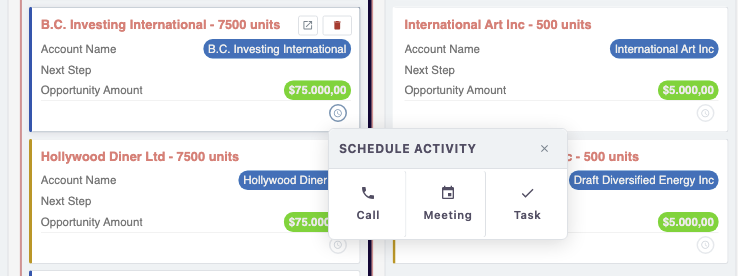
4. Universal Compatibility Across All Modules
MTS Kanban isn’t restricted to Sales Opportunities. It adapts natively to any dropdown-based lifecycle across your entire CRM:
- Sales Pipelines: Track Opportunities, Deals, and Quotations across custom pipeline stages.
- Lead Qualification: Move inbound Leads through discovery, qualification, and handover phases.
- Project & Task Management: Manage internal Tasks, Project Milestones, and sprints without needing Jira or Trello.
- Customer Support Cases: Route Cases through New, Investigating, Awaiting Customer, and Resolved.
- 100% Custom Modules: Works out-of-the-box with custom modules created via SuiteCRM Studio.
Comparison: SuiteCRM + MTS Kanban vs. Multi-App Stack
| Feature / Capability | SuiteCRM + MTS Kanban | CRM + External Trello / Jira |
|---|---|---|
| Single Source of Truth | ✓ 100% Native SuiteCRM Data | ✗ Dispersed across platforms |
| Sync Errors & Middleware | ✓ Zero integration or API delay | ✗ Requires Zapier / Webhooks |
| Data Validation Enforcement | ✓ Strict CRM rules enforced | ✗ Easily bypassed in 3rd party apps |
| Licensing & Subscription Cost | ✓ One-time plugin investment | ✗ Monthly per-seat SaaS fees |
Frequently Asked Questions (FAQ)
Q1: Is MTS Kanban compatible with SuiteCRM 8?
Yes. MTS Kanban is fully optimized for the modern SuiteCRM 8 angular front-end and core architecture while maintaining full backwards compatibility with SuiteCRM 7 instances.
Q2: Can I use MTS Kanban with custom modules created in Studio?
Yes. You can enable Kanban views on any custom module. Simply select the target module in the admin settings and map the columns to any existing dropdown field.
Q3: How does MTS Kanban prevent messy CRM data?
MTS Kanban respects standard and custom CRM validation logic. When users drag a card across stages, any mandatory or conditional field requirements must be completed before the move is saved.
Ready to Modernize Your SuiteCRM Workflow?
Eliminate operational silos, accelerate deal velocity, and empower your team with a truly visual SuiteCRM experience.
Get MTS Kanban on Mien Trung Soft Store →
Nhat Thieu
CRM · HRM · Custom SoftwareCRM Solution Architect & Developer specializing in open-source CRM/HRM customization, system integration, custom software and AI.