Enterprise SuiteCRM Customization Strategies
⚡ Quick Summary / Key Takeaway
SuiteCRM Customization: SuiteCRM customization involves tailoring the open-source CRM platform to fit specific business workflows. By modifying modules, layouts, and automation logic, organizations can achieve a highly scalable, upgrade-safe CRM environment that perfectly aligns with enterprise operations without relying on rigid proprietary systems.
Table of Contents
In today’s dynamic business landscape, a one-size-fits-all CRM rarely meets the nuanced demands of growing enterprises. **SuiteCRM customization** offers the ultimate flexibility, allowing organizations to mold an open-source platform around their unique operational workflows rather than forcing processes to adapt to rigid software constraints. Whether you are aiming to streamline sales funnels, enhance data visibility, or automate complex tasks, understanding the strategic approach to modifying your CRM is crucial. This guide explores the essential methodologies, architectural best practices, and powerful tools necessary to transform your standard SuiteCRM deployment into a highly tailored, enterprise-grade business engine.
The Strategic Value of SuiteCRM Customization
Essential Preparations for CRM Development
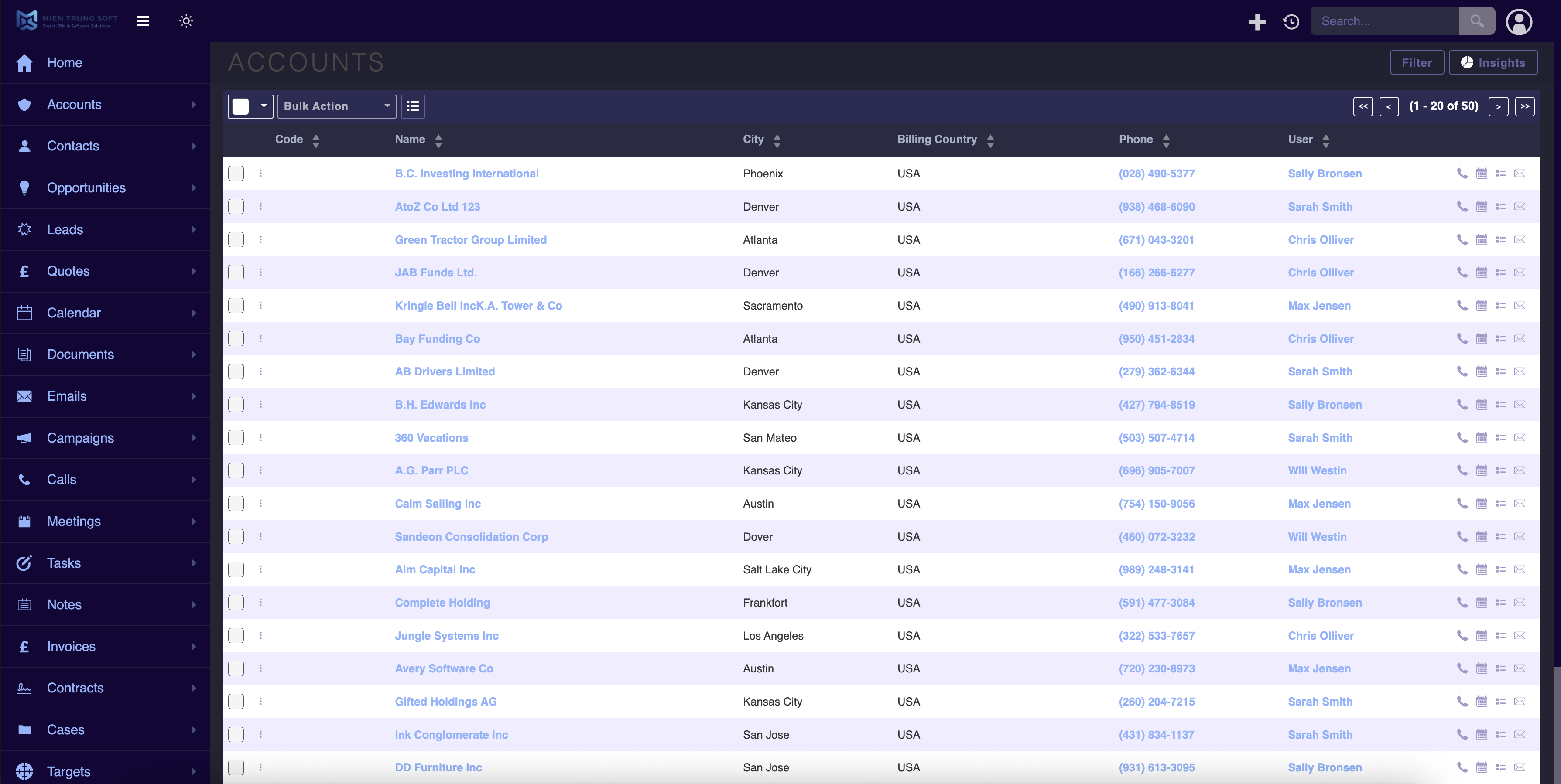
Key Pre-Customization Steps:
* Workflow Auditing: Document exactly how your teams operate daily to identify areas where the CRM can reduce friction.
* Data Architecture Planning: Determine what information is essential. Avoid cluttering the CRM with unnecessary custom fields that degrade system performance and confuse users.
* Stakeholder Alignment: Ensure that department heads agree on the CRM’s primary objectives, guaranteeing that the customization serves cross-functional needs.
Elevating UI/UX with Advanced Customization Tools
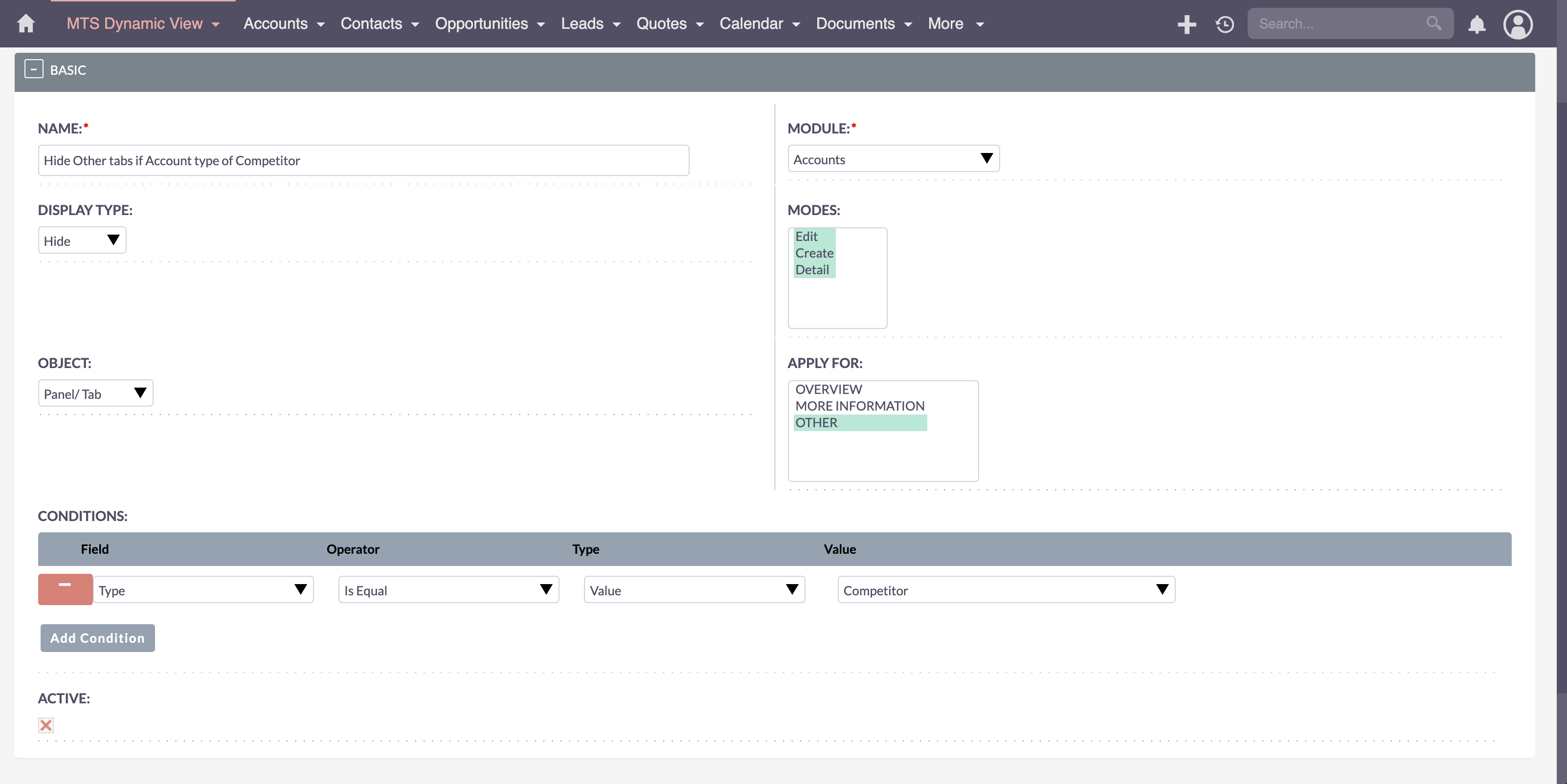
Powerful Interface Enhancements
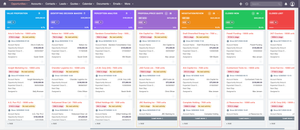
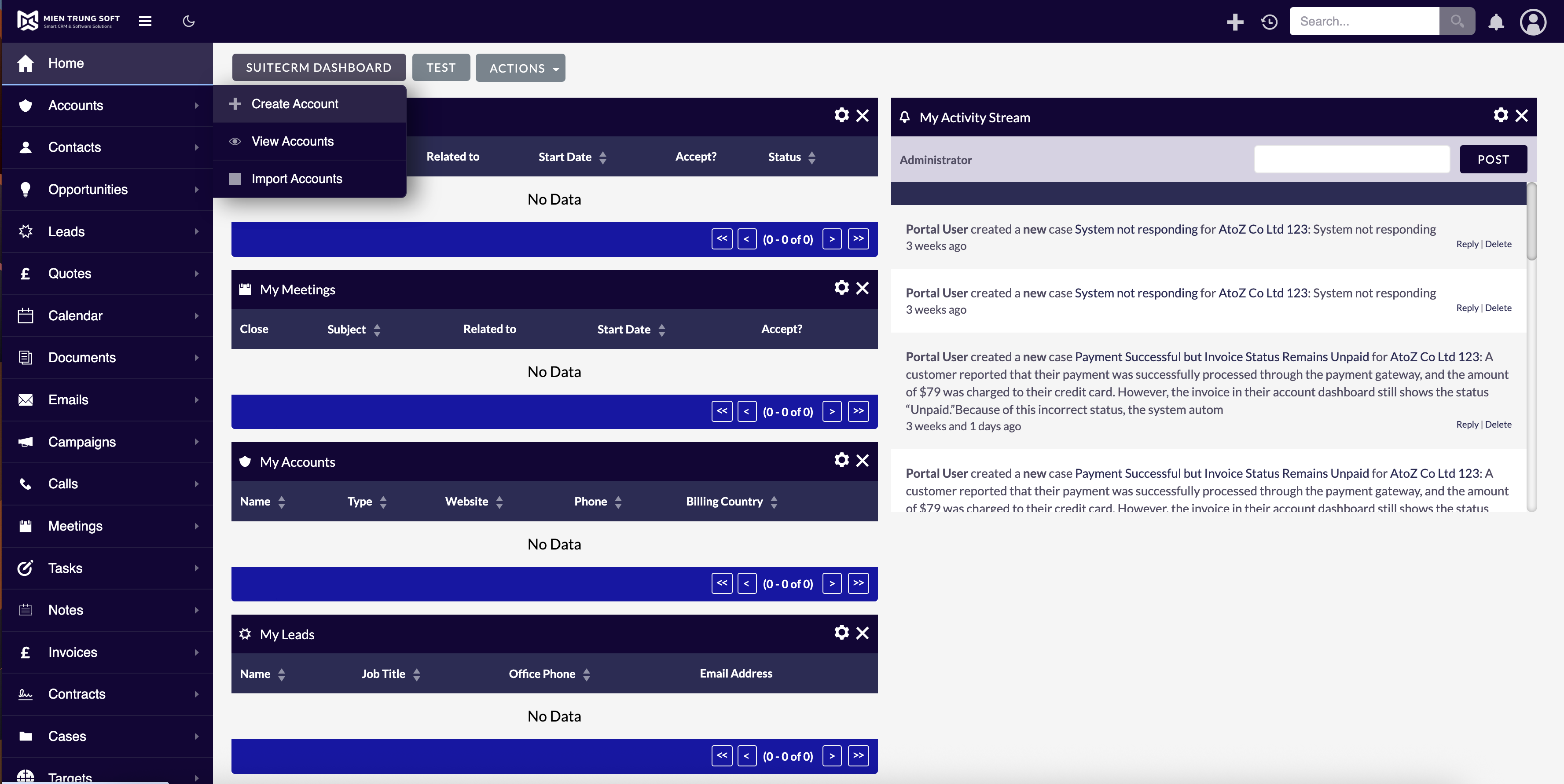
To accelerate your customization efforts without extensive coding, leveraging professional plugins is a highly effective strategy. For instance, the MTS Theme Editor allows administrators to seamlessly rebrand and restructure the visual experience to match corporate guidelines.
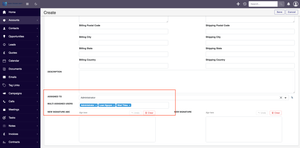
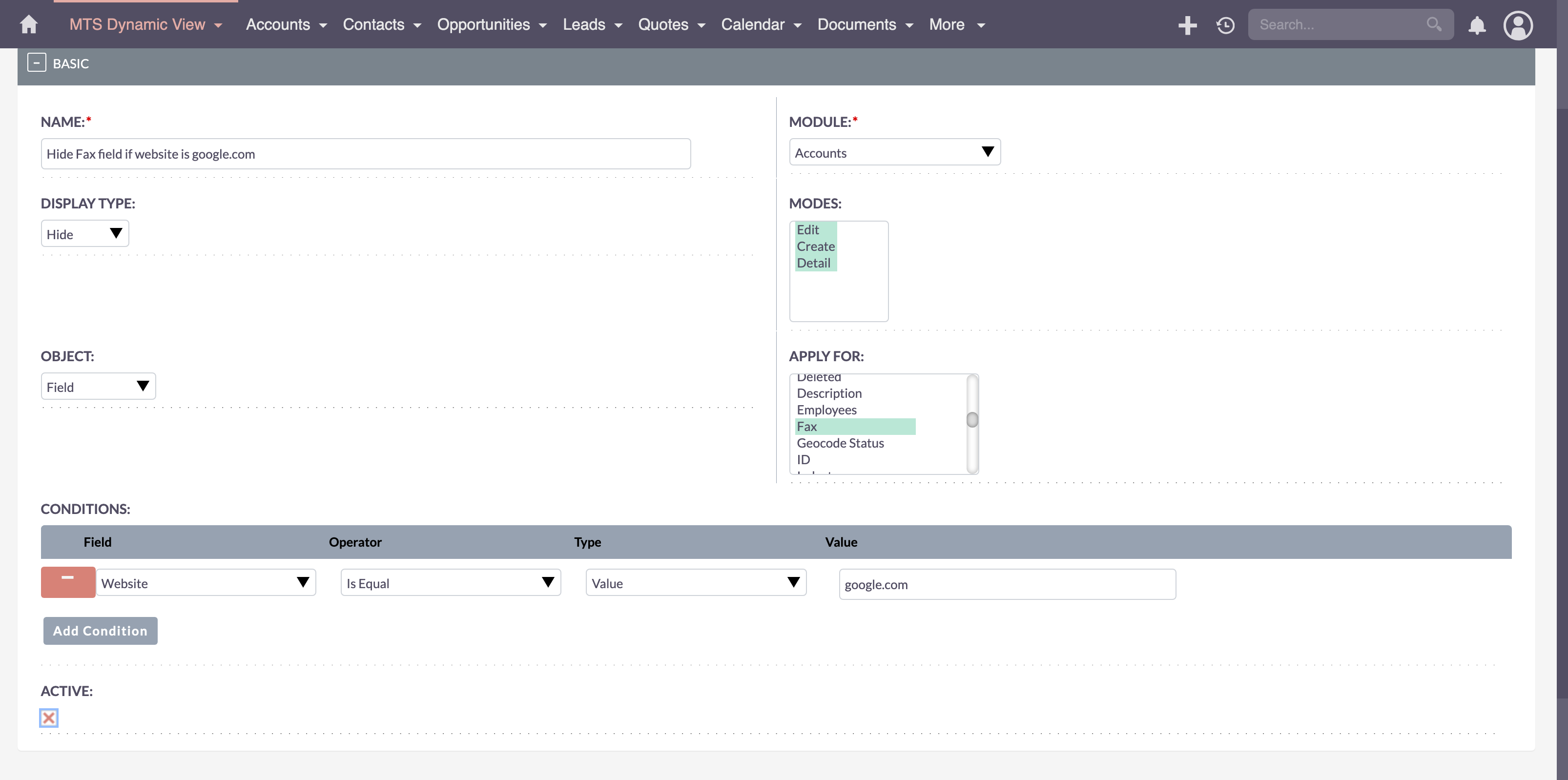
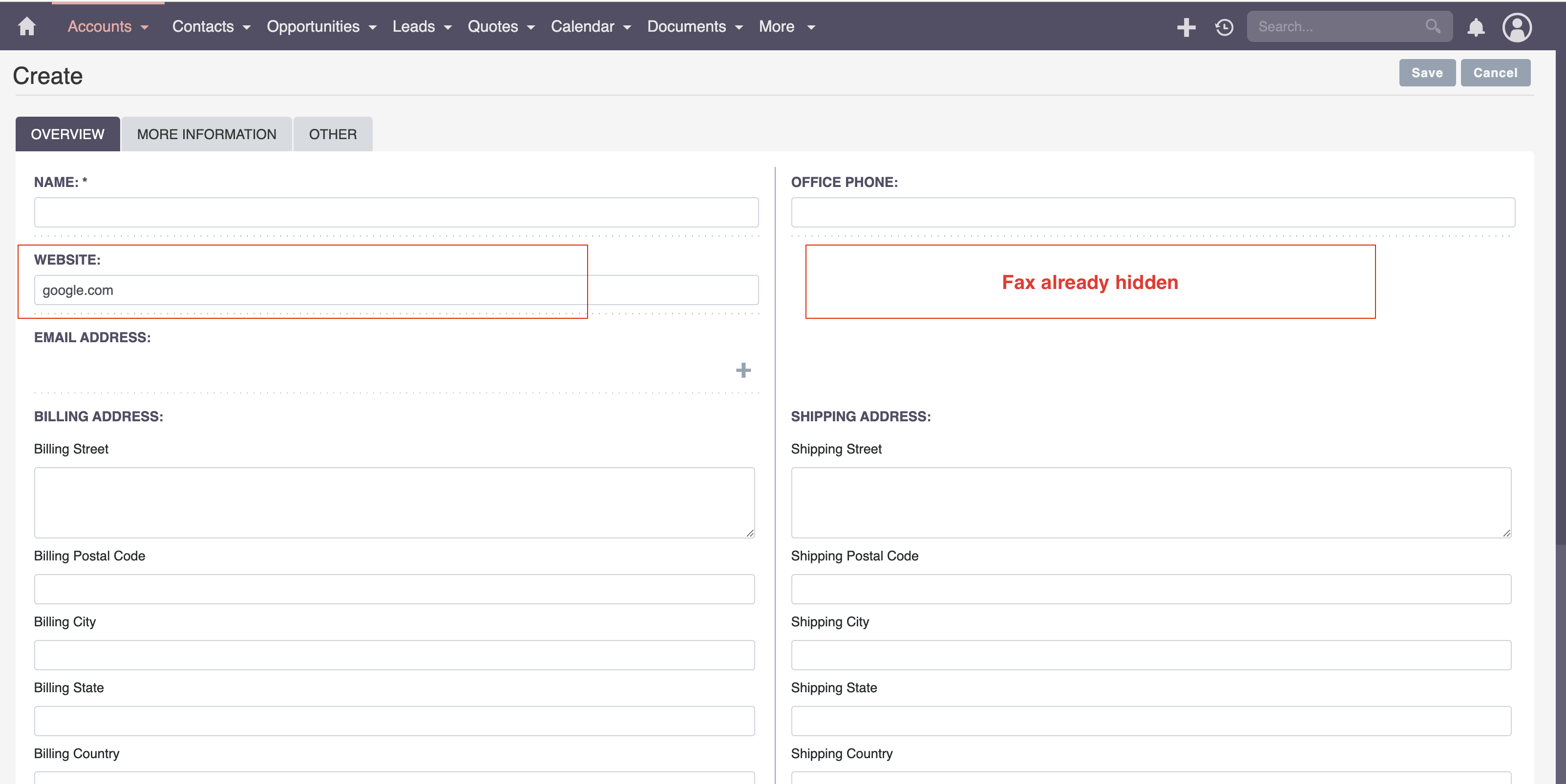
Furthermore, controlling data visibility based on user roles is critical for enterprise security and focus. Implementing tools like MTS Dynamic View ensures that users only see the fields and panels relevant to their specific tasks, decluttering their workspace. To ensure crucial data points are never missed, the MTS Field Highlight plugin can be utilized to draw immediate attention to high-priority information, such as overdue tasks or VIP client statuses, directly within the record view.
Best Practices for Upgrade-Safe Architecture
Core Architectural Principles:
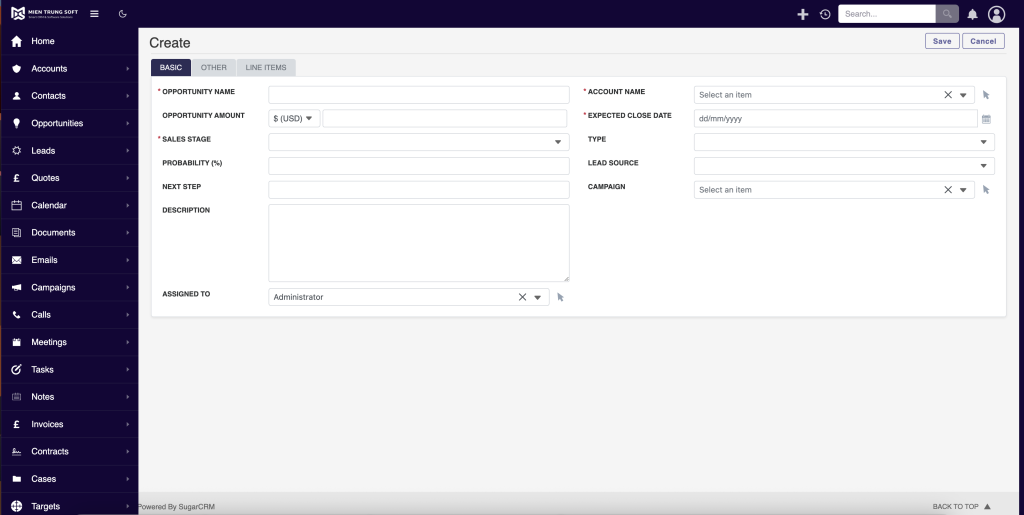
* Leverage Studio and Module Builder: Whenever possible, utilize the built-in administrative tools for creating fields, relationships, and basic layouts. These changes are inherently upgrade-safe.
* Proper Directory Utilization: When custom development is required, changes must be placed in the designated custom directories rather than modifying core files directly. This practice ensures your customizations remain intact during system upgrades.
* Extension Frameworks: Utilize logic hooks and scheduled tasks appropriately to handle complex backend processing without disrupting the primary application flow.
Mien Trung Soft: Your Partner in Custom CRM Development
✦ Key Takeaways
- ✓ Strategic SuiteCRM customization aligns technology with unique business workflows.
- ✓ Thorough discovery and process auditing must precede any technical CRM development.
- ✓ Utilizing plugins like MTS Theme Editor and Dynamic View accelerates UI/UX enhancements.
- ✓ Adhering to upgrade-safe coding practices is non-negotiable for long-term system stability.
Conclusion
Mastering SuiteCRM customization is the key to unlocking a truly efficient, data-driven organization. By prioritizing upgrade-safe architecture, focusing on user experience, and leveraging powerful customization plugins, businesses can build a CRM that acts as a true competitive advantage. If you are ready to elevate your CRM capabilities, partner with the experts at Mien Trung Soft to architect a solution that perfectly aligns with your enterprise goals.
Frequently Asked Questions (FAQ)
What is the primary benefit of SuiteCRM customization?
The primary benefit is flexibility. It allows organizations to tailor the CRM exactly to their unique business processes, improving user adoption, automating specific workflows, and ensuring the software supports the business rather than constraining it.
How can I ensure my SuiteCRM customizations are upgrade-safe?
To ensure upgrade safety, always use the built-in Studio and Module Builder tools for basic changes. For complex custom development, strictly adhere to modifying files within the ‘custom’ directory structure and avoid altering core system files.
How does Mien Trung Soft assist with enterprise SuiteCRM custom development?
Mien Trung Soft provides end-to-end consulting and development services, including architectural planning, custom plugin creation, workflow automation, and complex third-party system integrations, ensuring a robust and scalable CRM environment.

Nhat Thieu
CRM · HRM · Custom SoftwareCRM Solution Architect & Developer specializing in open-source CRM/HRM customization, system integration, custom software and AI.