15 Best SuiteCRM Plugins in 2026 (Kanban, Invoicing, AI & More)
Out of the box, SuiteCRM is a powerful open-source CRM — but most teams unlock its real value through plugins. The right add-ons turn SuiteCRM into a visual sales pipeline, a billing engine, an AI assistant, a clean-data machine and more, all without the expensive per-user SaaS fees of proprietary platforms. In this guide we round up the 15 best SuiteCRM plugins in 2026, grouped by what they do and who they are for, so you can quickly find the ones that fit your business.
Every plugin below is built and supported by Mien Trung Soft, works with both SuiteCRM 7 and SuiteCRM 8, and is written upgrade-safe so core updates never wipe out your customizations.
What are SuiteCRM plugins?
SuiteCRM plugins (also called modules or add-ons) are packaged extensions that add new features or change how SuiteCRM behaves — like Kanban boards, invoicing, AI email writing or duplicate checking — without you having to build them from scratch. You install a plugin through SuiteCRM’s Module Loader, configure it, and the new functionality appears inside your existing CRM. Because SuiteCRM is open source, a healthy plugin ecosystem is one of its biggest advantages over closed platforms like Salesforce or HubSpot.
Why use SuiteCRM plugins?
A good plugin pays for itself quickly. Instead of paying per user, per month for features locked inside proprietary CRMs, you add exactly the capability you need — once — to a CRM you own. Plugins also let you tailor SuiteCRM to your workflow rather than forcing your team to change how they work, and upgrade-safe add-ons keep those gains intact as SuiteCRM evolves. The result is higher adoption, cleaner data and a CRM your team actually enjoys using.
How we chose the best SuiteCRM plugins
We prioritized plugins that solve a real, common business problem, are actively maintained, compatible with SuiteCRM 7 and 8, upgrade-safe, and genuinely save time for sales, support, operations or admin teams. We then grouped them by category — productivity, sales & billing, AI, data quality, integrations, customization and automation — so you can jump straight to what matters most.
The 15 best SuiteCRM plugins in 2026
1. MTS Kanban — Productivity
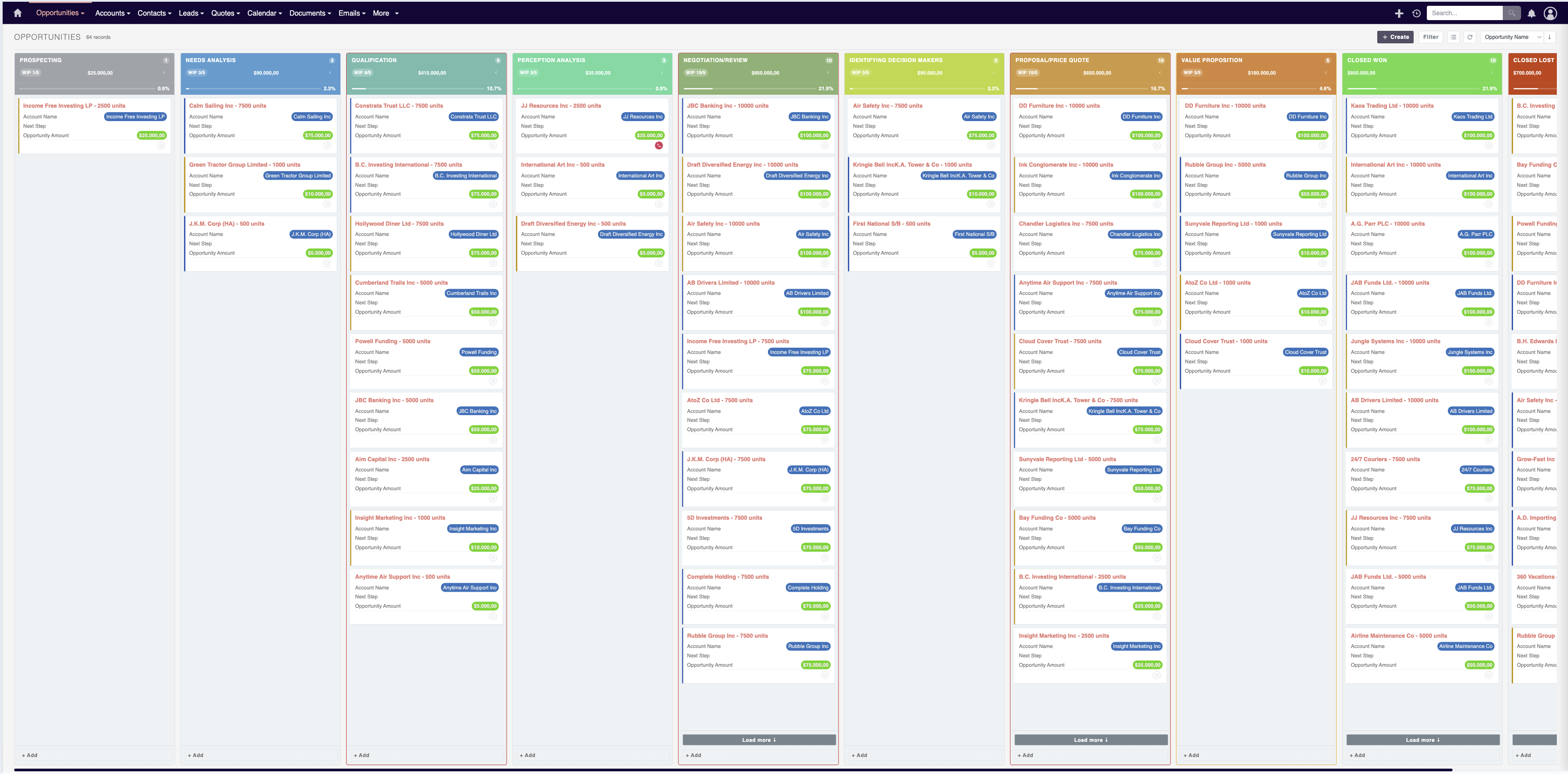
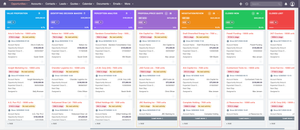
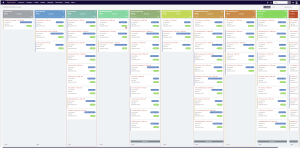
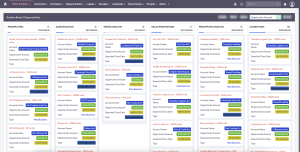
Turns SuiteCRM list views into interactive drag-and-drop Kanban boards for Opportunities, Leads, Cases, Tasks and custom modules. Instead of scrolling through rows, your team sees the whole pipeline at a glance and moves a card between stages to update its status and revenue totals in real time.
Best for: sales teams that want visual pipeline management. View MTS Kanban →
2. MTS Advanced Invoice — Sales & Billing
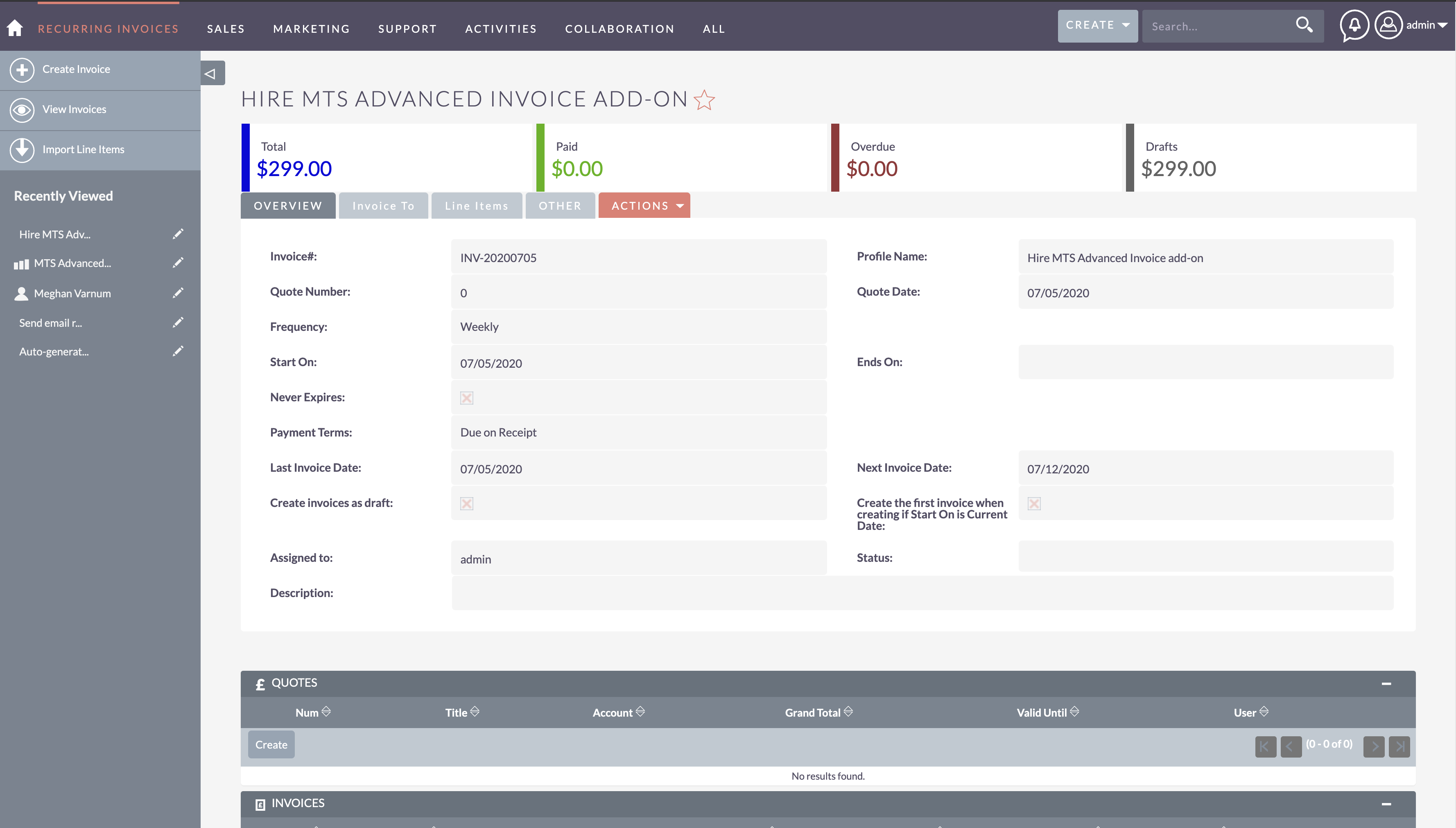
Turns SuiteCRM into a complete billing engine with professional invoices, automated recurring billing and payment reminders. You bill customers straight from the CRM you already use, so there are no per-user SaaS fees and no double data entry between systems.
Best for: finance teams that bill from the CRM. View MTS Advanced Invoice →
3. MTS AI Email Writer — AI
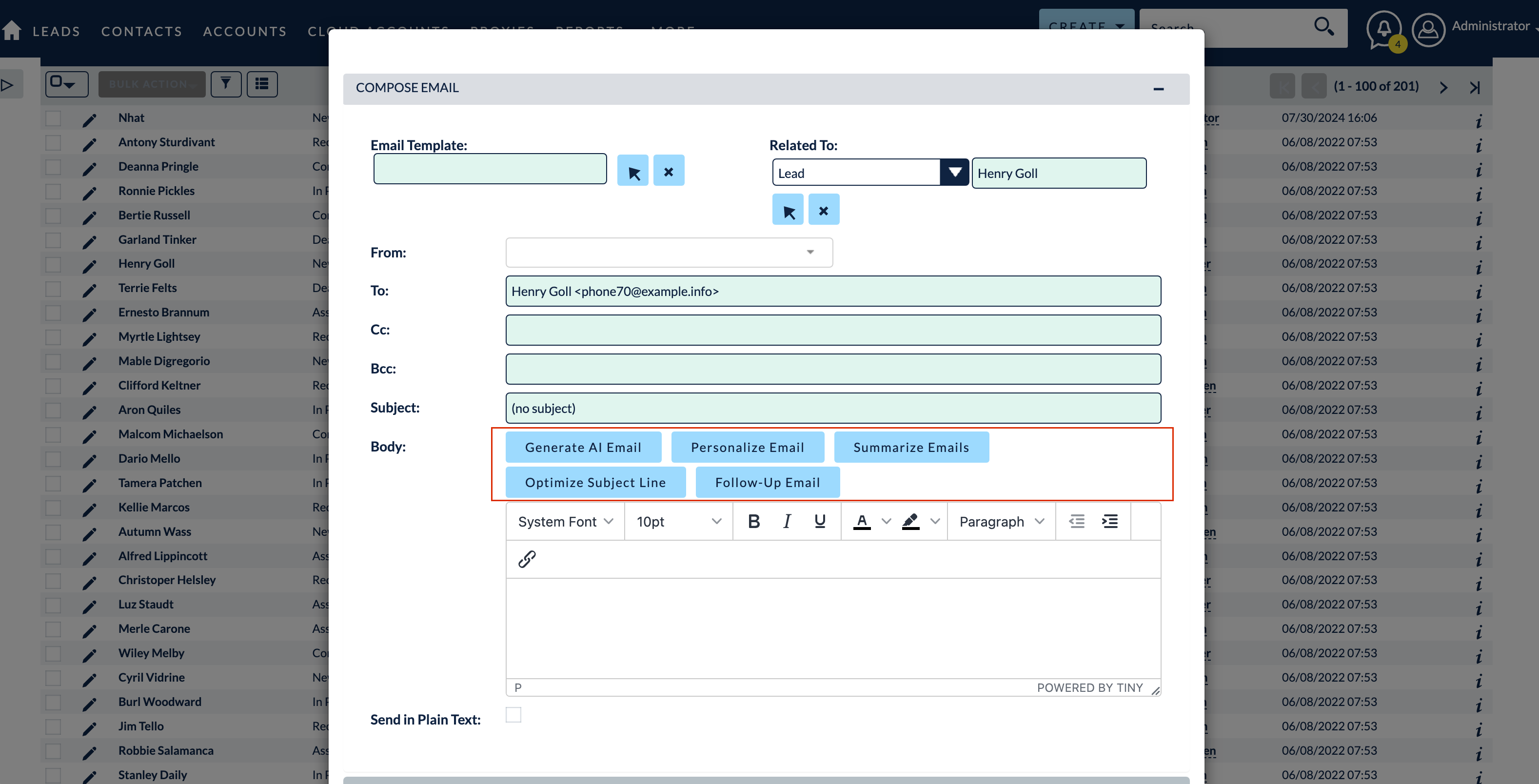
Drafts personalized, high-converting sales emails inside SuiteCRM using AI, based on each contact and deal context. Reps go from a blank screen to a ready-to-send email in seconds, keeping tone consistent while saving hours every week.
Best for: sales reps who send a lot of outreach. View MTS AI Email Writer →
4. MTS AI Case Assistant — AI
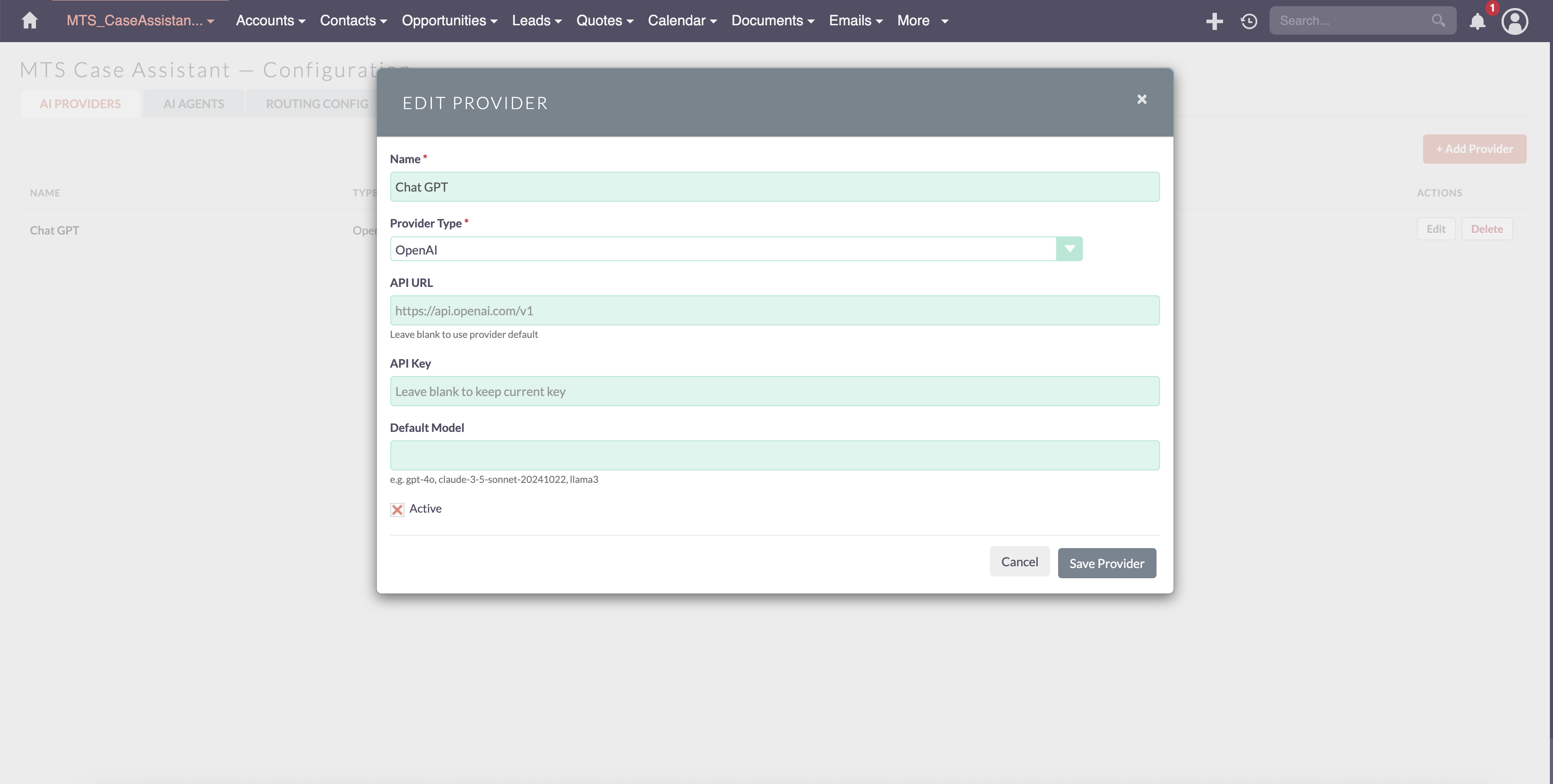
Uses AI to summarize support cases and suggest replies for your service team. Agents resolve tickets faster and more consistently, which shortens response times and raises customer satisfaction.
Best for: customer service teams. View MTS AI Case Assistant →
5. MTS Duplicate Check — Data Quality
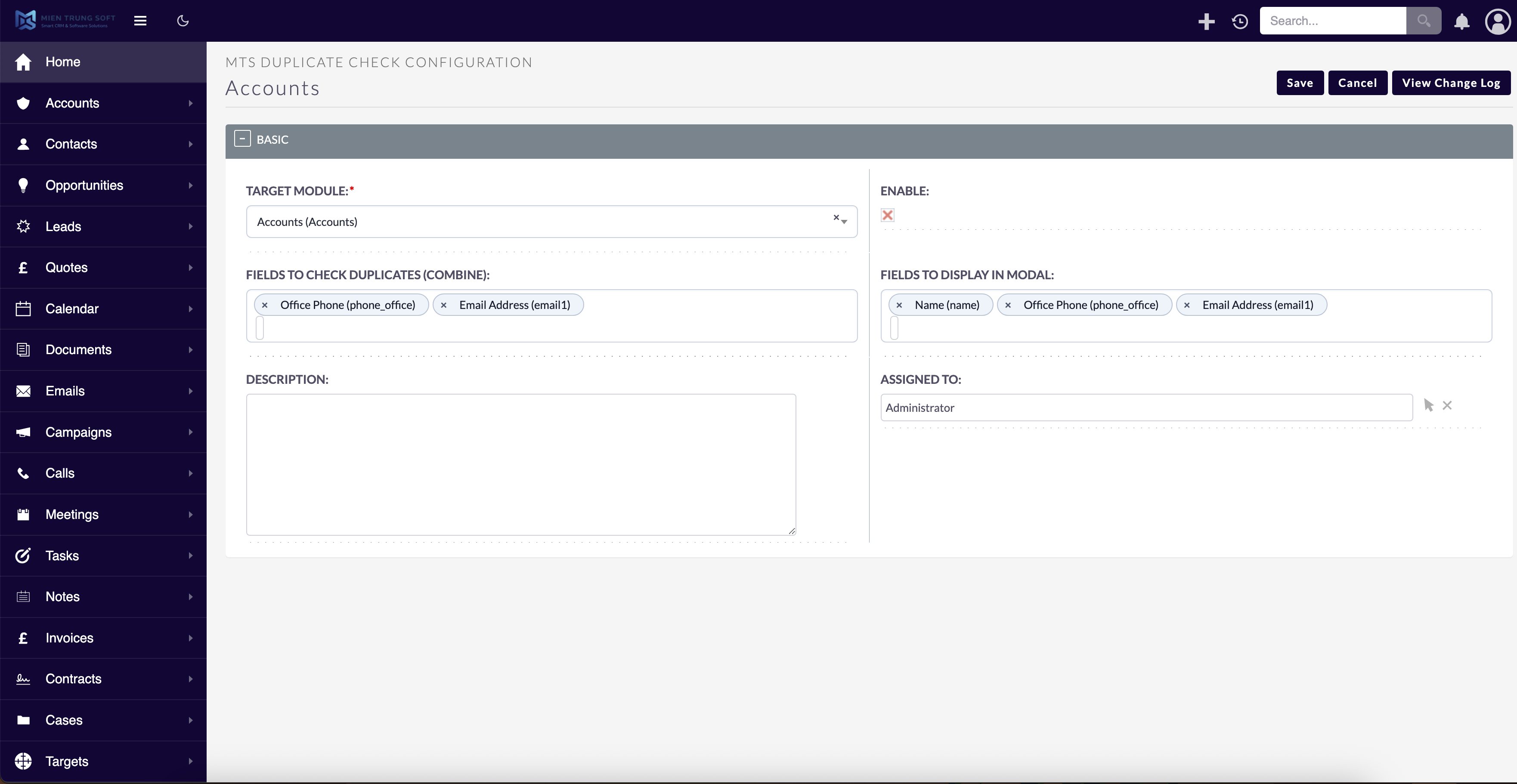
Prevents duplicates in real time with instant warning modals on Leads, Contacts, Accounts and custom modules. It stops dirty data at the point of entry, so your reporting stays accurate and reps never work the same lead twice.
Best for: teams that care about clean data. View MTS Duplicate Check →
6. MTS Quick Search — Productivity
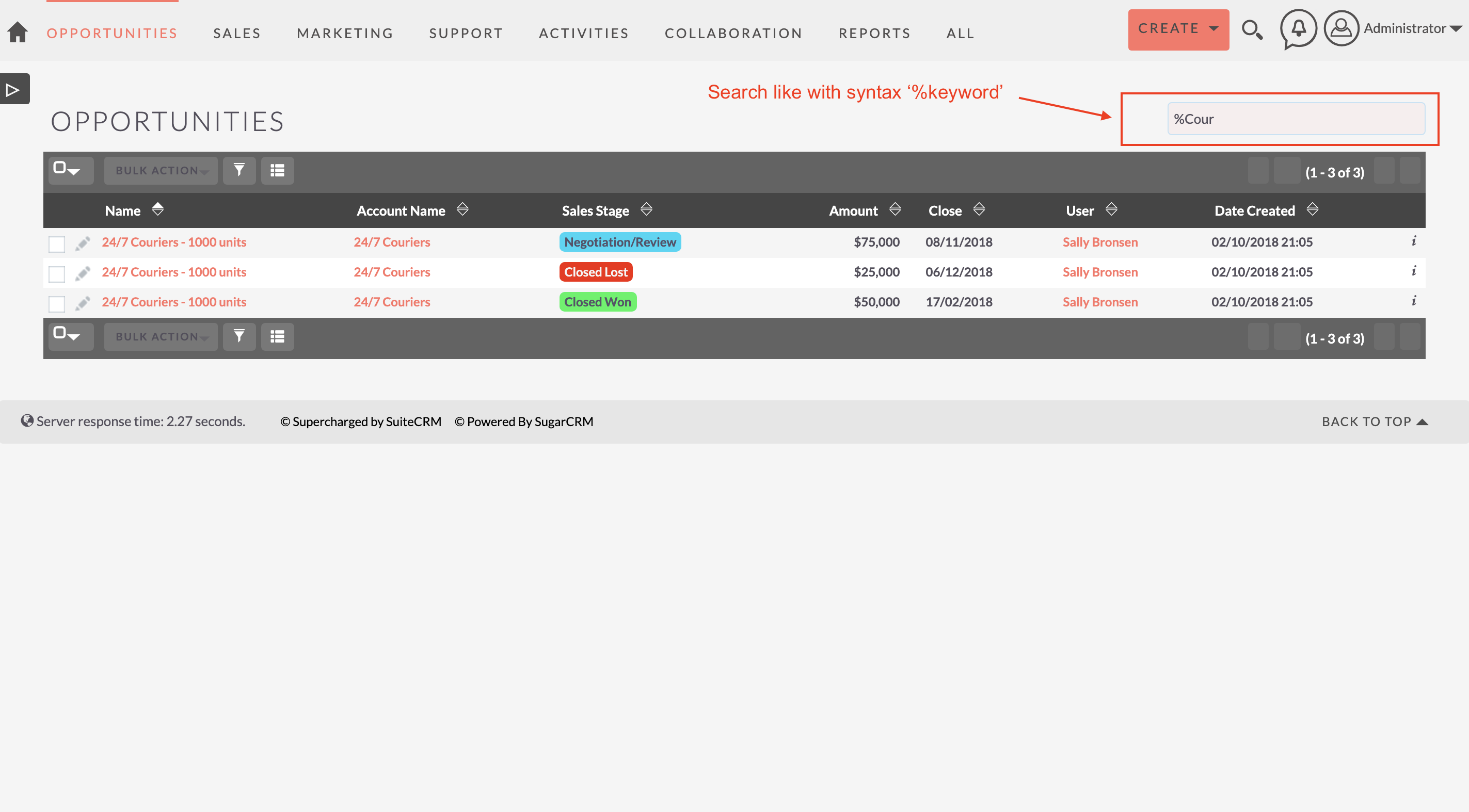
Adds a command-palette search: press Ctrl/Cmd + K to instantly find any record across every module. It removes the clicking and menu-hunting, letting power users jump to any record in a second.
Best for: power users who live in the CRM. View MTS Quick Search →
7. MTS SuiteVoice Transcriber — AI
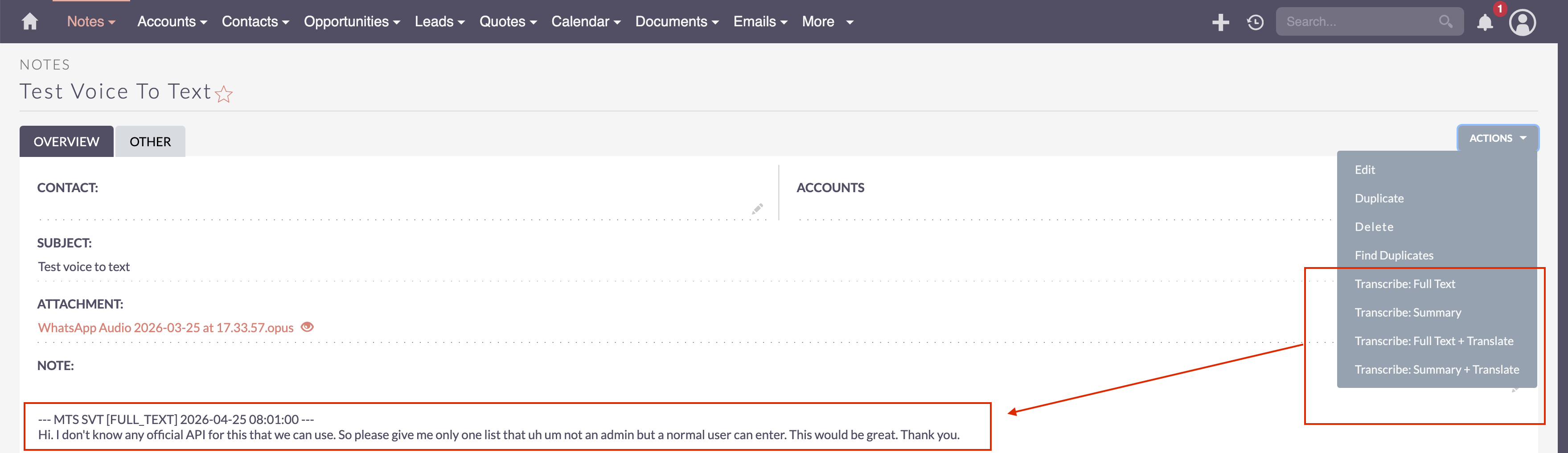
Automatically transcribes meeting recordings, phone calls and voice notes into SuiteCRM records. Conversations become searchable, structured data, so nothing important is lost after a call.
Best for: sales and meeting-heavy teams. View MTS SuiteVoice Transcriber →
8. MTS Stripe Integration — Integration
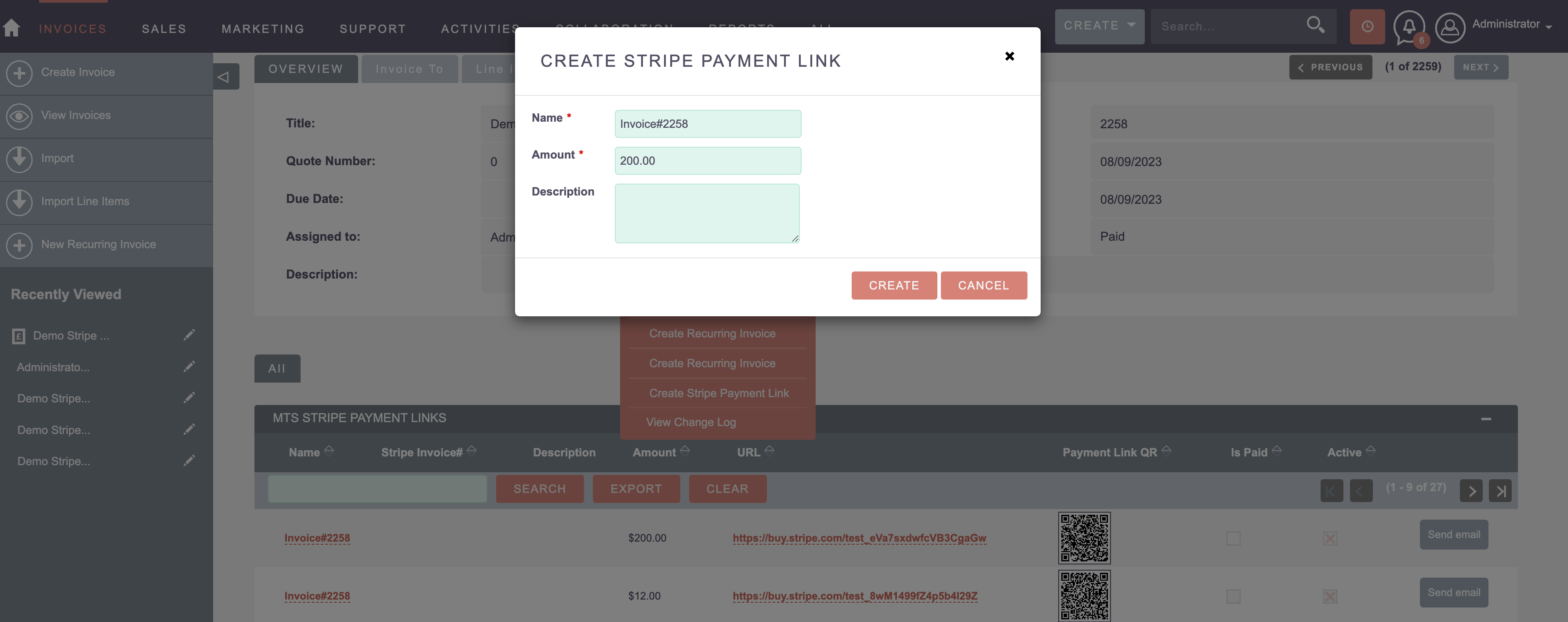
Generates secure Stripe payment links and ‘Pay Now’ buttons directly from SuiteCRM. Customers can pay in a click and payments reconcile against the right record, so you get paid faster.
Best for: businesses that want to collect payments in the CRM. View MTS Stripe Integration →
9. MTS ownCloud & Nextcloud Integration — Integration
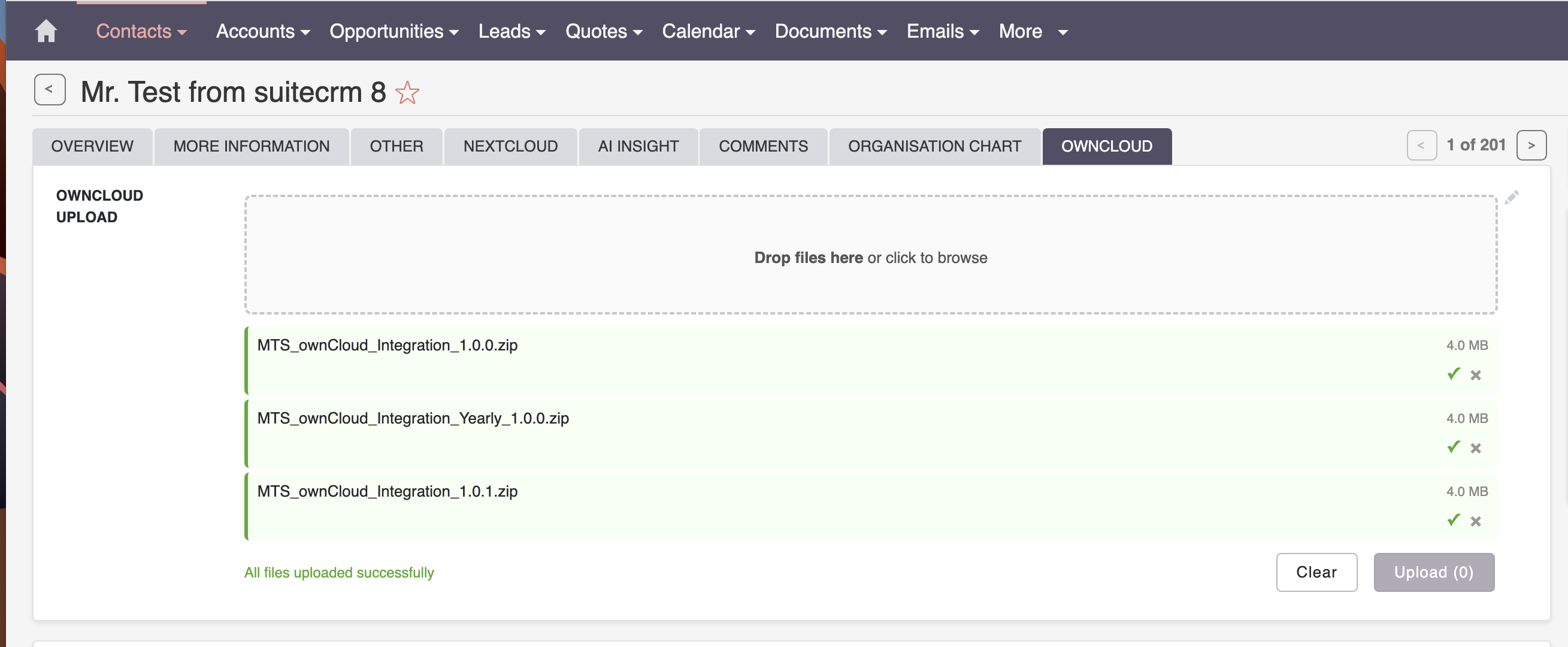
Links CRM documents to ownCloud or Nextcloud instead of storing large files in SuiteCRM. Your database stays lightweight and fast while files stay centralized, versioned and easy to share.
Best for: teams managing lots of documents. View MTS ownCloud & Nextcloud Integration →
10. MTS Record Score — Data Quality
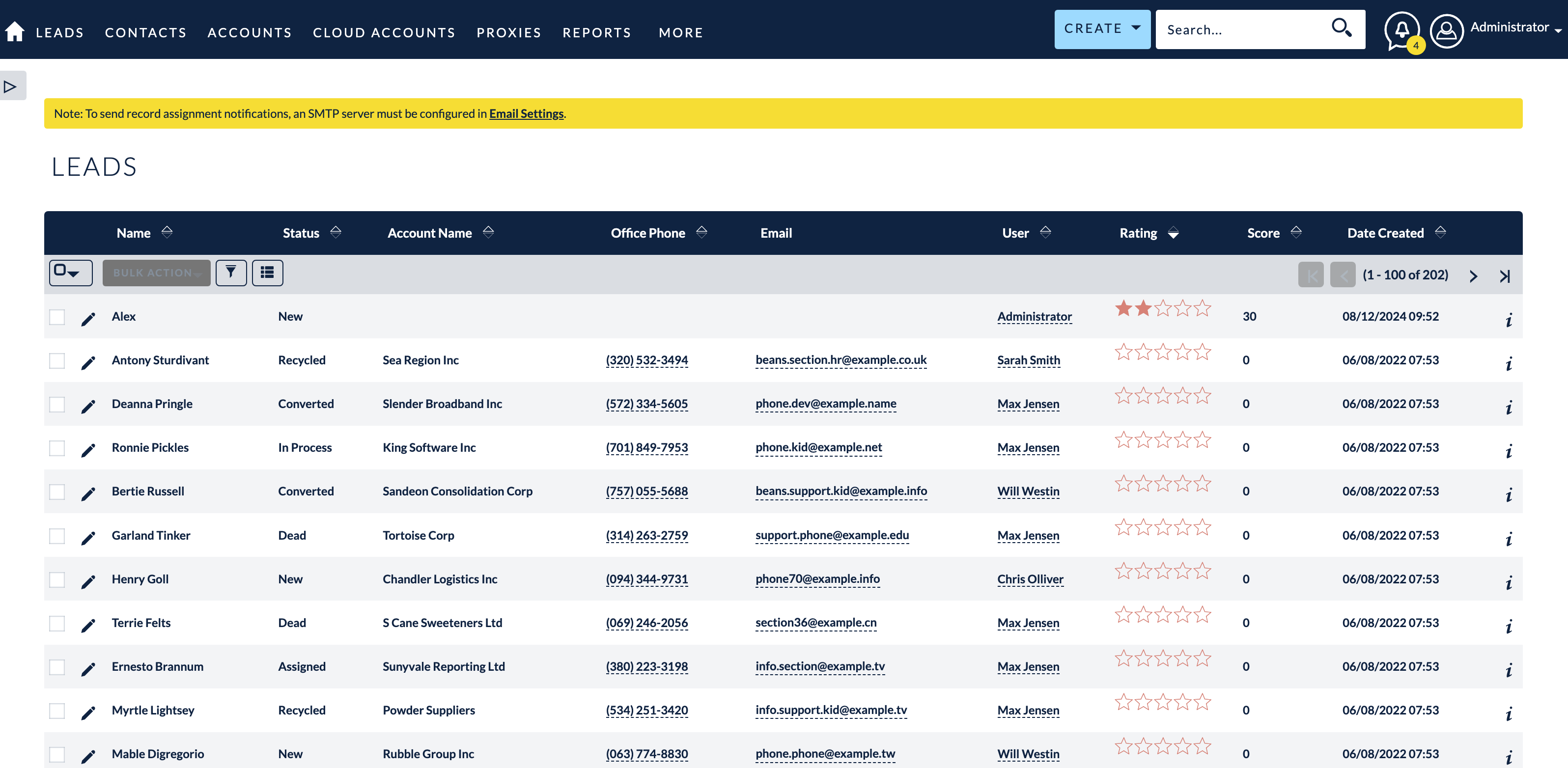
Automatically calculates quality scores and letter grades for records. It gives you a simple, powerful lead-scoring system so reps always work the highest-value records first.
Best for: teams that need to prioritize leads. View MTS Record Score →
11. MTS Opportunity Line Items — Sales & Billing
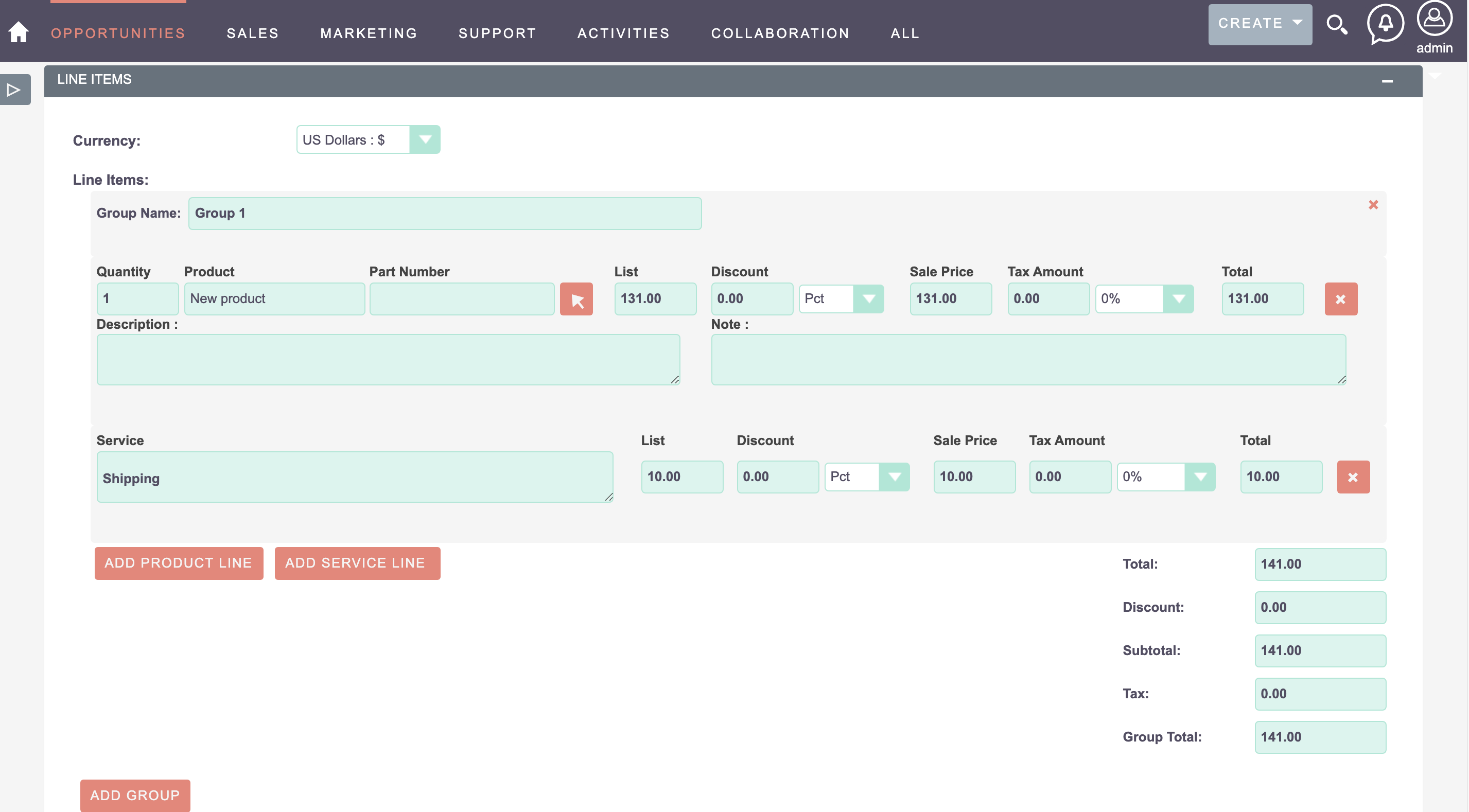
Adds product line items to Opportunities, bridging the gap between Opportunities and Quotes. You get accurate, product-level revenue tracking and forecasting without forcing every deal through the Quotes module.
Best for: sales teams tracking multi-product deals. View MTS Opportunity Line Items →
12. MTS Sales Path — Sales & Billing
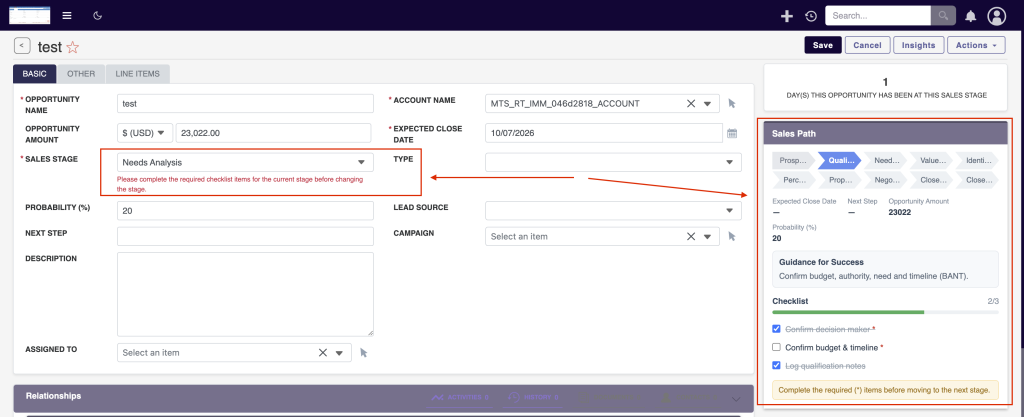
Adds a visual, guided pipeline path to records so reps always see the next step. It standardizes your sales process and nudges deals forward, which improves win rates for newer reps especially.
Best for: sales managers standardizing their process. View MTS Sales Path →
13. MTS Theme Editor — Customization
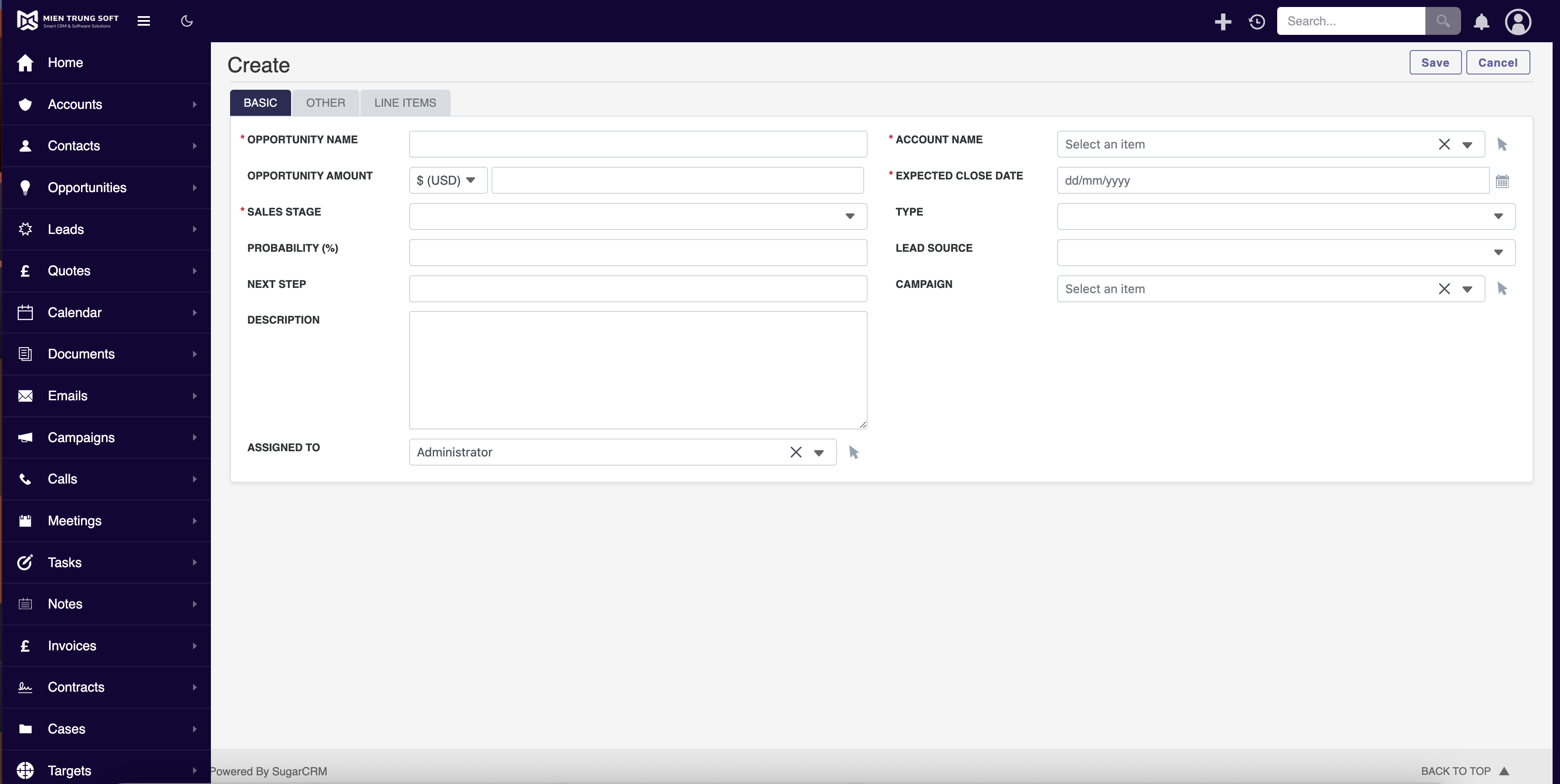
A no-code SuiteCRM theme editor for SuiteCRM 8: dark mode, corporate brand colors, logo, sidebar controls and responsive UI. You restyle the whole CRM from the admin panel in minutes, with no template hacking or LESS compiling to break on upgrade.
Best for: teams that want a branded, modern CRM. View MTS Theme Editor →
14. MTS Business Process — Automation
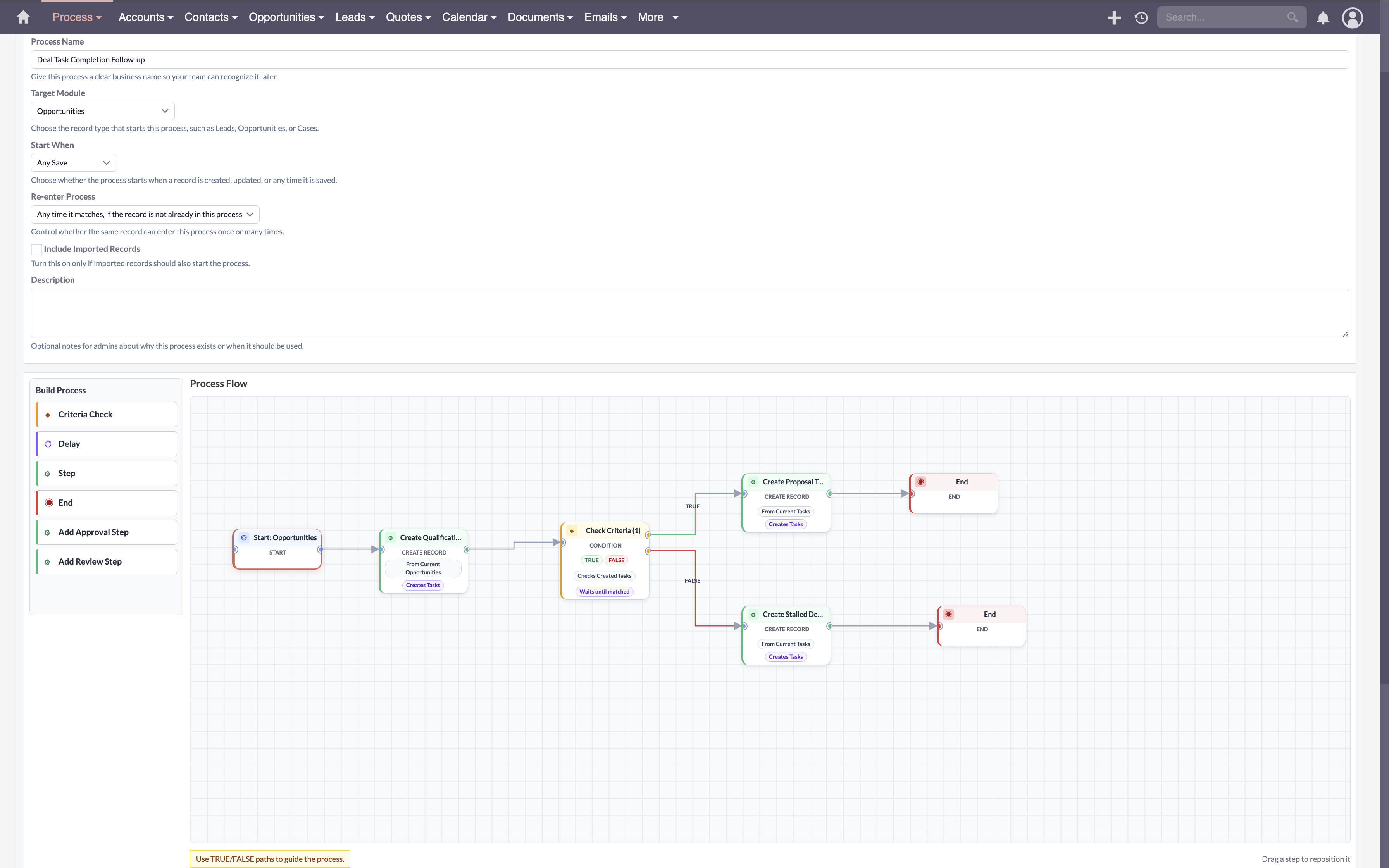
Lets you design, automate and orchestrate complex multi-step business processes and approval flows. Repetitive, rule-based work runs itself, reducing errors and freeing your team for higher-value tasks.
Best for: operations teams automating workflows. View MTS Business Process →
15. MTS Notification — Productivity
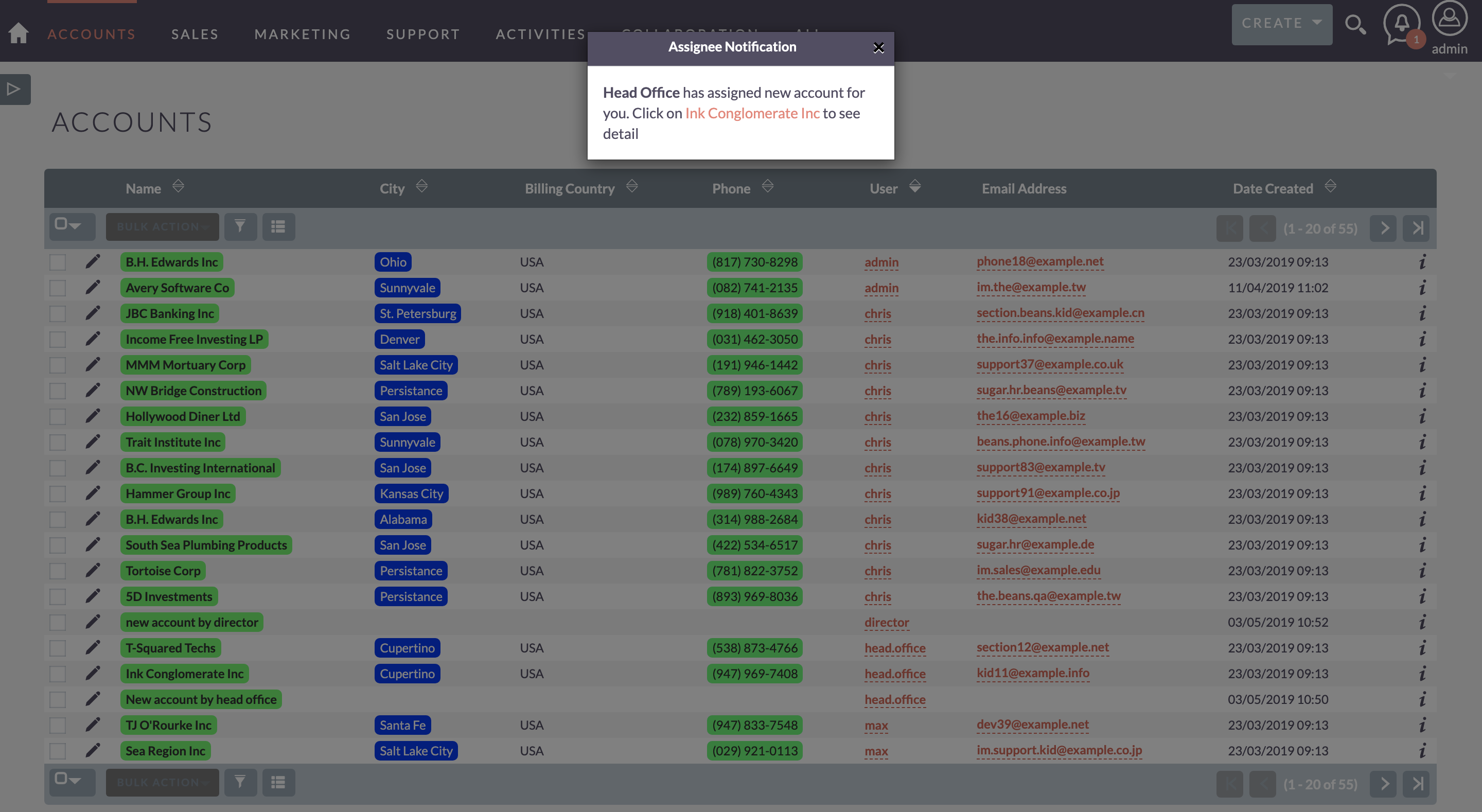
Delivers real-time in-CRM notifications for new leads, mentions and high-priority cases. Your team reacts the moment something important happens, so hot leads and urgent cases never slip through the cracks.
Best for: fast-moving sales and support teams. View MTS Notification →
How to choose the right SuiteCRM plugin for your team
Start with your biggest bottleneck. If deals stall because reps lack visibility, begin with MTS Kanban or MTS Sales Path. If billing is manual, add MTS Advanced Invoice. If your data is messy, MTS Duplicate Check and MTS Record Score are the fastest wins. Most teams roll out one or two plugins first, measure the impact, then expand.
How to install a SuiteCRM plugin
Installing any of these SuiteCRM plugins is straightforward: download the module package, go to Admin → Module Loader in SuiteCRM, upload the ZIP, click install, then configure the plugin’s settings. Mien Trung Soft provides installation support and documentation with every add-on, so you are never stuck.
Frequently Asked Questions
What is the best SuiteCRM plugin?
It depends on your goal. For pipeline visibility, MTS Kanban is the top pick; for billing, MTS Advanced Invoice; for clean data, MTS Duplicate Check; and for AI-assisted selling, the MTS AI Email Writer. Most teams start with one productivity or sales plugin and expand from there.
Are these SuiteCRM plugins compatible with SuiteCRM 8?
Yes. Every plugin in this list supports both SuiteCRM 7.x and SuiteCRM 8.x, and each is built upgrade-safe so it survives core updates.
How do I install a SuiteCRM plugin?
Upload the module ZIP via Admin → Module Loader in SuiteCRM, click install, then configure it. MTS includes documentation and installation support with every plugin.
Are there free SuiteCRM plugins?
SuiteCRM itself is free and open source, and some community add-ons are free. The premium MTS plugins in this guide are paid but actively maintained, supported and upgrade-safe — often cheaper over time than free plugins you have to fix yourself.

Nhat Thieu
CRM · HRM · Custom SoftwareCRM Solution Architect & Developer specializing in open-source CRM/HRM customization, system integration, custom software and AI.