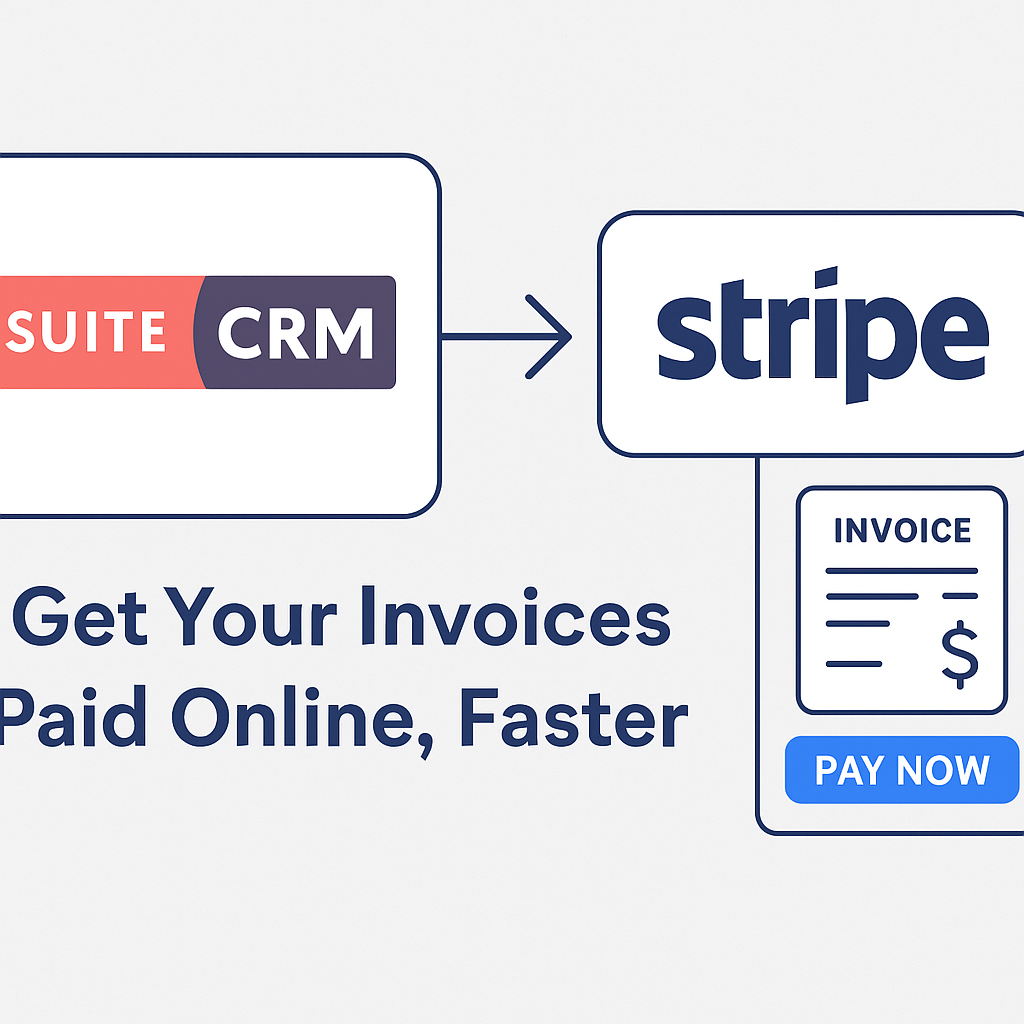
Many companies use SuiteCRM to manage customers and invoices, but still rely on bank transfers or manual payment methods.
That creates typical problems:
- Customers have to manually enter bank details
- Your team spends time chasing payments and checking bank statements
- Invoice status in SuiteCRM is not always up-to-date
- You can’t easily accept credit card payments from international clients
Stripe has become one of the most popular online payment platforms for accepting card payments globally.
MTS Stripe Integration connects SuiteCRM directly with Stripe so you can attach “Pay Now” buttons, payment links and QR codes to invoices and emails, and automatically update invoice status once a payment is received.
Instead of sending a PDF and hoping the customer pays, you send a click-to-pay invoice.
What is MTS Stripe Integration for SuiteCRM?
MTS Stripe Integration is an add-on that unites SuiteCRM with Stripe’s payment processing platform.
With this add-on, you can:
- Generate Stripe payment links from SuiteCRM invoices
- Embed a Pay Now button or QR code into PDF invoices and email templates
- Let customers pay using major credit and debit cards
- Automatically update invoice status and send notifications when payment is completed
It’s designed specifically for SuiteCRM users who want to accept online payments without building a custom integration from scratch.
Key features of the SuiteCRM × Stripe integration
1. Create Stripe payment links directly from invoices
From an Invoice detail view in SuiteCRM, users can:
- Click “Create Stripe payment link” from the Actions menu
- Enter Payment Name, Amount and Description
- Let the system create a corresponding Stripe Checkout link in a few seconds
The created link appears in a dedicated MTS Stripe Payment Link subpanel, so you can always see which payment URL is assigned to which invoice.
2. Add Pay Now buttons and QR codes to PDF and email templates
Once the payment link exists, you can expose it to customers in multiple ways:
- Insert a “Stripe Payment Link URL” field into your Invoice PDF template
- Insert a “Stripe Payment Link QR Code for Invoice” field so the PDF includes a scannable QR code
- Use the same fields inside Email Templates, allowing you to send clickable payment buttons in reminder emails
The result: customers can pay by clicking a link or scanning a QR code on the invoice – no extra typing required.
3. Automatic status updates and notifications
When Stripe confirms a successful payment via webhooks, MTS Stripe Integration can:
- Automatically change the status of the corresponding invoice in SuiteCRM
- Trigger notifications to relevant users so finance and account managers know the payment has arrived
No more manual “paid / unpaid” toggling or emailing around to confirm if money has hit the account.
4. Secure, PCI-compliant payment processing
All card details and sensitive payment information are handled by Stripe, which is PCI-compliant and widely used around the world.
SuiteCRM only stores:
- The generated payment link
- Payment status and metadata returned from Stripe
So you get the convenience of online payments without the risk of storing card data in your CRM.
5. Works with your existing SuiteCRM setup
MTS Stripe Integration:
- Supports SuiteCRM versions 7.0.0 up to 8.8.1
- Uses standard SuiteCRM modules (Invoices, Email Templates, PDF Templates, Schedulers)
- Is licensed per production instance with unlimited users, available as Yearly or One-Time plan
That makes it easy to roll out across your existing SuiteCRM environment without per-user payment fees.
Benefits for your business
Faster payments and better cash flow
Customers can pay invoices immediately using a card, instead of:
- Downloading a PDF
- Logging into their bank
- Manually typing reference and amount
One public review even mentions that their payment times dropped by three-quarters after deploying the Stripe module, because customers “complain if we forget to add the pay button”.
Improved customer experience
A clean payment page hosted by Stripe, plus direct links and QR codes, gives customers a modern, frictionless way to pay – especially important if you work with international clients who prefer card payments.
Less manual work for finance and sales
- No more sending separate payment links from Stripe manually
- No more updating invoice status by hand
- No need to copy data between Stripe and SuiteCRM for basic payment tracking
Your team can focus on higher-value tasks instead of chasing payments.
Clear visibility inside SuiteCRM
Because payment information is stored on the invoice record, everyone can see:
- Whether an invoice has an active payment link
- Whether it has been paid, and when
- Which Stripe link was used
You can also build SuiteCRM reports to monitor unpaid invoices, recent payments, and revenue over time.
Example workflow with MTS Stripe Integration
- Create an invoice in SuiteCRM
Sales or finance generates an invoice as usual using the AOS_Invoices module. - Generate a Stripe payment link
From the invoice detail view, they click Create Stripe payment link, fill in the amount and description, and confirm. - Send invoice with Pay Now button / QR code
The PDF template and/or email template automatically includes the payment link and QR code. - Customer pays via Stripe
The customer clicks the link or scans the QR code, chooses their card, and completes the payment on Stripe’s secure page. - SuiteCRM updates invoice status
Via Stripe webhooks, the add-on updates the invoice status and can fire notifications in SuiteCRM.
From the CRM user’s perspective, they still work entirely inside SuiteCRM – Stripe is just the payment engine behind the scenes.
When does a SuiteCRM × Stripe integration make sense?
MTS Stripe Integration is a strong fit if:
- You already use, or plan to use, Stripe for card payments
- SuiteCRM is your main system for quotes, invoices and customer data
- You want a simple way to add Pay Now buttons and QR codes to invoices
- You’d like payments to automatically update invoice status without manual reconciliation
It’s especially useful for:
- Service providers who invoice customers globally
- Agencies, IT/hosting providers, SaaS companies and consultancies
- Any business that wants to move away from slow bank transfers and paper-based payment flows
Turn your SuiteCRM invoices into one-click payment requests
Instead of sending static PDF invoices and hoping customers pay on time, you can:
- Generate Stripe payment links from SuiteCRM
- Attach Pay Now buttons and QR codes to invoices and emails
- Let customers pay online within seconds
- Automatically keep invoice status in sync
MTS Stripe Integration gives SuiteCRM users a practical, secure and cost-effective way to accept online payments without building a custom integration or paying per-user SaaS fees.
If you want help planning or implementing this SuiteCRM × Stripe integration – or combining it with advanced recurring invoicing using MTS Advanced Invoice – we’re happy to assist with installation, configuration and customization for your specific billing process.