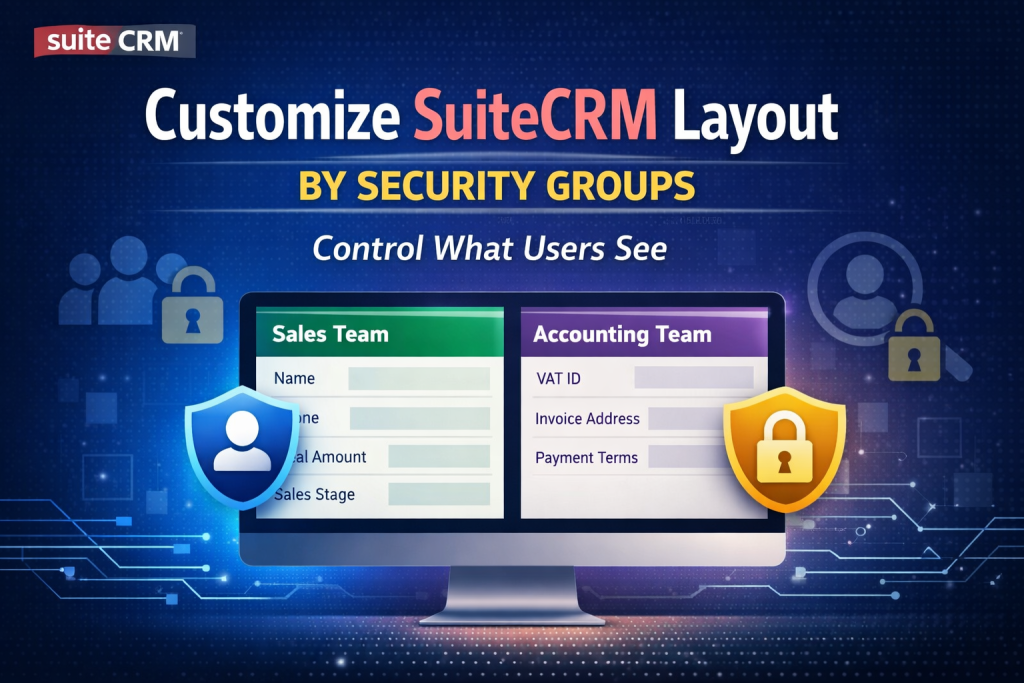
Take Full Control of What Each Team Can See in SuiteCRM
As your business grows, different teams need different views of the same data. Sales users don’t need accounting fields, accountants don’t need marketing information, and managers need a complete overview.
However, SuiteCRM’s default layouts are global — once you change a layout, it affects everyone.
That’s where layout customization by Security Groups becomes a game-changer.
Why Default SuiteCRM Layouts Are Not Enough
Out of the box, SuiteCRM allows you to:
- Assign users to Security Groups
- Control access rights (read, write, delete)
- Restrict record visibility
But it does NOT allow you to:
- Show different fields for different teams
- Hide sensitive information per department
- Customize EditView / DetailView per role
This limitation often leads to:
- Overloaded screens
- User confusion
- Higher risk of data exposure
- Lower adoption by non-technical users
What Is Layout Customization by Security Groups?
Layout customization by Security Groups allows you to:
✅ Show or hide fields based on user group
✅ Customize EditView and DetailView per department
✅ Control field visibility without duplicating modules
✅ Keep a single data structure with multiple user experiences
In simple terms:
Each team sees only what they actually need.
Real-World Use Cases
🔹 Sales Team
- Sees: Customer name, phone, email, deal value, sales status
- Hidden: VAT fields, internal notes, accounting references
🔹 Accounting Team
- Sees: VAT ID, invoice address, payment terms
- Hidden: Sales pipeline, lead source, marketing fields
🔹 Management
- Sees: Full layout with all fields
- Used for reporting and audits
🔹 External Consultants / Partners
- Limited, clean layout
- No access to internal or sensitive data
Benefits of Security Group–Based Layouts
🔐 Better Data Security
Sensitive fields are invisible, not just read-only.
🧠 Improved User Experience
Users work faster with simpler, role-based screens.
📈 Higher Productivity
Less scrolling, fewer mistakes, clearer workflows.
🧩 Perfect for Multi-Department & Multi-Company Setups
Ideal for:
- Accounting firms
- Consulting companies
- Multi-tenant SuiteCRM installations
Works Perfectly with SuiteCRM Security Suite
This approach extends the power of:
- Security Groups
- Team-based permissions
- Role-based access control
Instead of only controlling what users can do, you also control:
What users can see
SuiteCRM 7 & SuiteCRM 8 Compatible
✔ SuiteCRM 7.x (Classic UI)
✔ SuiteCRM 8.x (Modern UI) is checking to make it works
✔ Supports custom modules and core modules
✔ No impact on existing data
Need Custom Layout Control in Your SuiteCRM?
Every business has different teams, workflows, and security requirements.
If you need layout customization based on Security Groups, standard SuiteCRM features are often not enough.
We can help you:
- Customize EditView and DetailView per Security Group
- Hide or show fields based on user roles or departments
- Improve data security and user experience
- Implement clean, maintainable solutions for SuiteCRM 7 & 8
- Adapt layouts for multi-company or multi-tenant environments
Whether you need a small adjustment or a fully tailored solution, we’ll design it to fit your business processes.
👉 Contact us via the contact form to discuss your requirements and get a customized solution for your SuiteCRM.