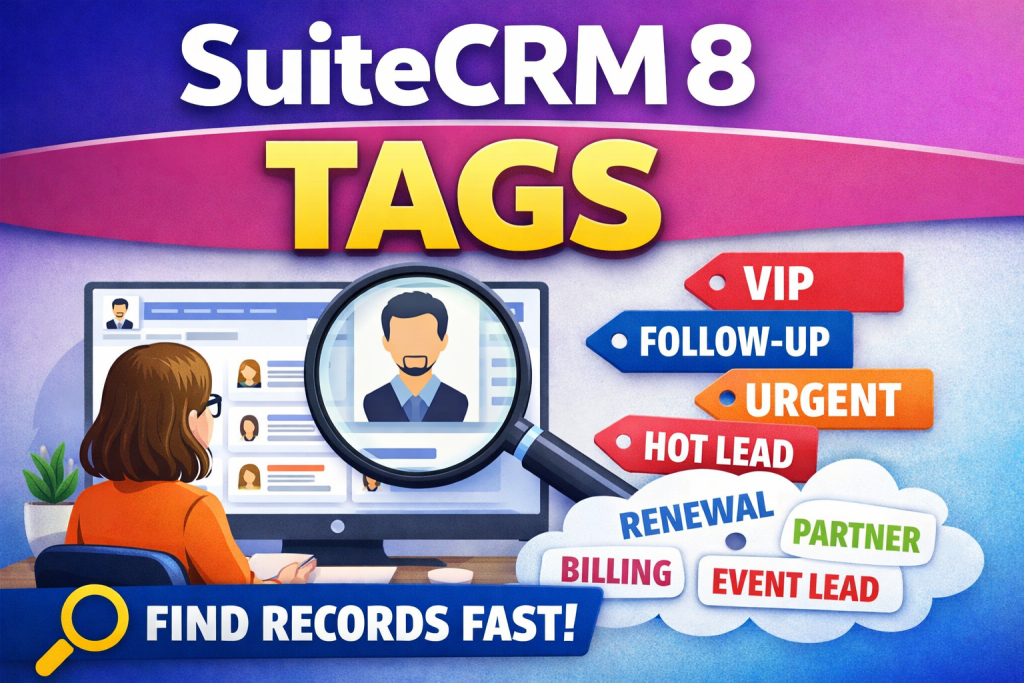
When your SuiteCRM 8 database grows, the biggest productivity killer isn’t missing features—it’s time wasted searching.
You know the feeling:
- “Which accounts are VIP again?”
- “Which deals are stuck and need follow-up?”
- “Which customers asked for a discount last quarter?”
- “Which support cases are urgent and related to billing?”
Filters help, but in real life your team needs something more flexible than fixed fields. That’s where tags (simple labels you attach to records) become a powerful upgrade.
Tags let you add quick, meaningful context to any record—without complicating your CRM. Think of them as “sticky notes” that are searchable and consistent across your entire team.
What are tags in SuiteCRM 8?
Tags are short keywords like:
- vip
- partner
- renewal
- follow-up
- urgent
- billing
- event-lead
- do-not-contact
You attach them to Accounts, Contacts, Opportunities, Cases, or any record type you work with.
The result: your CRM becomes easier to navigate and far more “human-friendly” for daily work.
The biggest benefits of using tags in SuiteCRM 8
1) Find the right records instantly
Instead of digging through multiple filters, users can simply search a tag like:
- vip
- renewal
- hot-lead
This is especially useful when different teams search differently. Sales, support, and finance often look for the same customers—but with different priorities. Tags bridge that gap.
2) Add business context without creating new fields
Every company has its own internal language:
- “Tier-1”
- “Strategic”
- “High risk”
- “Waiting documents”
If you try to convert all of that into custom fields, SuiteCRM quickly becomes cluttered.
Tags keep your CRM clean while still capturing what matters.
3) Keep your pipeline moving with lightweight workflow labels
Tags are perfect for “next step” signals:
- call-today
- waiting-customer
- needs-approval
- send-quote
- ready-to-invoice
Instead of relying on memory or scattered notes, the tag becomes a shared signal that everyone understands.
4) Improve team collaboration and handovers
Handover problems usually happen because context is lost.
Tags make handovers smoother:
- A salesperson tags a record demo-requested
- Support tags it high-priority
- Finance tags it invoice-dispute
Now the full story is visible at a glance—without long comments or internal chat messages.
5) Cleaner segmentation for campaigns and outreach
If you run email campaigns or outreach lists, tags are a simple way to build better segments:
- webinar-2025
- expo-lead
- upsell-target
- inactive-90-days
You can create high-quality targeting without overengineering your data model.
6) Reduce duplicates and inconsistent naming over time
With a consistent tag set, teams stop creating random one-off labels in notes or spreadsheets.
The CRM becomes more standardized:
- Better reporting
- Better searching
- Better long-term data quality
7) Make dashboards and priorities more visible
Many teams love tags because they create a “quick visual summary” of what’s going on:
- Which cases are urgent
- Which accounts are vip
- Which deals are stuck
- Which records need follow-up
Instead of waiting for weekly reviews, your team sees priorities every day.
Practical examples of tags by department
Sales tags
- vip, partner, upsell
- hot-lead, needs-demo, proposal-sent
- renewal, decision-maker-known
Support tags
- urgent, bug, billing
- waiting-customer, repro-needed
- repeat-issue, escalated
Finance / operations tags
- late-payment, invoice-dispute
- ready-to-invoice, contract-signed
- high-risk, credit-check
When should you add tagging to SuiteCRM 8?
You’ll feel the need for tags when:
- You have thousands of records and searching is slow
- Your team often says “I can’t find that record”
- You keep creating new custom fields just to track small things
- Handovers between sales/support/finance are painful
- You want better segmentation for campaigns without complexity
Want SuiteCRM 8 tags set up the right way?
Want to add Tags in SuiteCRM 8 so your team can classify customers, deals, and cases instantly—without turning your CRM into a mess of extra fields?
I provide SuiteCRM customization services to implement a clean tagging approach that improves:
- speed of searching and filtering
- pipeline follow-up consistency
- team handovers and collaboration
- campaign segmentation and targeting
If you share your modules and typical use cases (Sales/Support/Finance), I’ll recommend a tagging structure and deliver the setup so it’s easy for users and scalable for the business.