If you’re still on SuiteCRM 7, upgrading to SuiteCRM 8 isn’t just “getting a newer version.” It’s a practical move that helps your CRM stay secure, easier to use, and ready for what’s next.
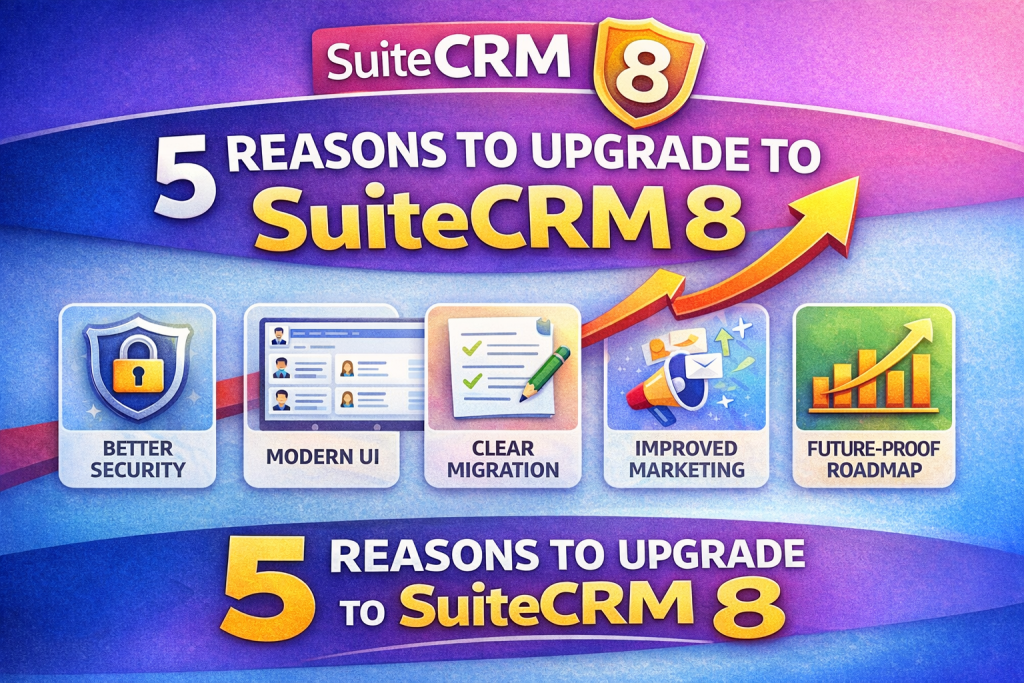
Here are the top 5 reasons teams upgrade—and what you’ll gain in day-to-day work.
1) SuiteCRM 8 is where ongoing improvements happen
SuiteCRM’s roadmap highlights continued SuiteCRM 8 updates with a move toward smaller, more frequent releases, which means improvements can arrive steadily without big disruption.
For businesses, that translates to a CRM that evolves with your needs—without forcing you into vendor lock-in.
2) Stronger security posture through active patch releases
Security is one of the biggest reasons organizations upgrade. SuiteCRM publishes regular security & maintenance patches—recently including SuiteCRM 8.9.1 (Nov 6, 2025).
Also, SuiteCRM’s “Supported Versions” page clearly lists what is currently supported (and until when), helping you avoid running critical systems on versions outside support windows.
3) A more modern experience that helps users adopt the CRM
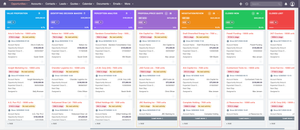
SuiteCRM 8 was designed to provide access to a modern UI (while keeping compatibility as a priority), with productivity features like a Kanban view highlighted as part of that modern experience.
In real life, this matters because better usability means:
- faster data entry
- fewer mistakes
- higher adoption across sales/support teams
4) Practical improvements to marketing and email workflows
Newer SuiteCRM 8 releases have brought improvements that impact everyday work—such as redesigns and enhancements around Marketing Campaigns and Email Compose in SuiteCRM 8.9.
If your team depends on campaigns and email communication inside SuiteCRM, these kinds of updates can noticeably improve speed and consistency.
5) A clearer upgrade path (and more time to plan properly)
SuiteCRM provides official 7.x → 8.x migration documentation, which helps teams plan upgrades more safely and predictably.
At the same time, SuiteCRM has also communicated extended support options for 7.x ESR releases, giving businesses more time—so you can upgrade on your schedule rather than in a panic.
Conclusion: Upgrade when it benefits your operations—not just because it’s “new”
If your priority is security, usability, and long-term maintainability, SuiteCRM 8 is the most future-friendly direction. Support timelines and ongoing releases make it easier to justify the move as a business decision—not just a technical one.
Need help upgrading to SuiteCRM 8?
If you want a smooth upgrade with minimal downtime and a clear checklist for your customizations, I can help you plan and execute the upgrade—then validate key workflows with your team.
If you want, tell me what version you’re on now (e.g., 7.12 / 7.14 ESR) and how many custom modules you have, and I’ll draft a short “upgrade scope” paragraph you can paste into your website as a service page.