Optimizing SuiteCRM Sales Productivity for Enterprise Teams
⚡ Quick Summary / Key Takeaway
SuiteCRM Sales Productivity: SuiteCRM sales productivity refers to the strategic optimization of CRM architecture, workflows, and user interfaces to reduce administrative tasks and accelerate the sales cycle. By leveraging tailored customizations, automated processes, and specialized plugins like visual Kanban boards and lead scoring, enterprise teams maximize revenue efficiency within the SuiteCRM platform.
Table of Contents
Maximizing efficiency within your CRM is not just about adopting new software; it requires a deliberate structural approach. For enterprise teams relying on open-source solutions, focusing on SuiteCRM sales productivity is the key to minimizing administrative overhead and accelerating the deal cycle. When a CRM is properly aligned with business objectives—through intelligent UI design, streamlined workflows, and strategic customizations—sales representatives spend less time managing data and more time closing deals. This guide explores the foundational strategies and functional customizations necessary to transform a standard SuiteCRM deployment into a high-performance sales engine.
Core Architecture for SuiteCRM Sales Productivity
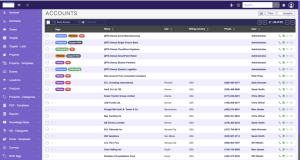
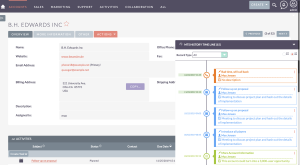
Administrators should conduct a thorough discovery phase to map out exact user journeys. By modifying module layouts via the Studio tool, you can ensure that only the most critical information is presented to the user at any given stage. This purposeful streamlining prevents interface fatigue and encourages higher user adoption rates, which is the cornerstone of a successful CRM implementation.
Streamlining Pipelines with Visual CRM Management
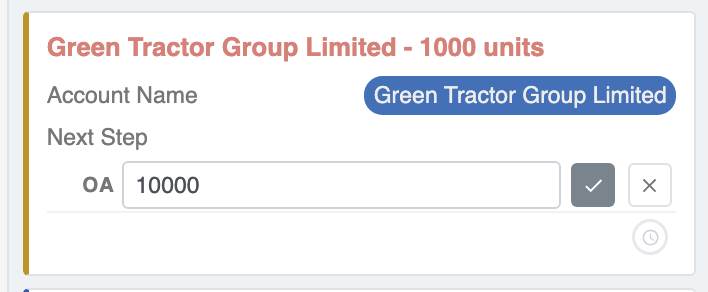
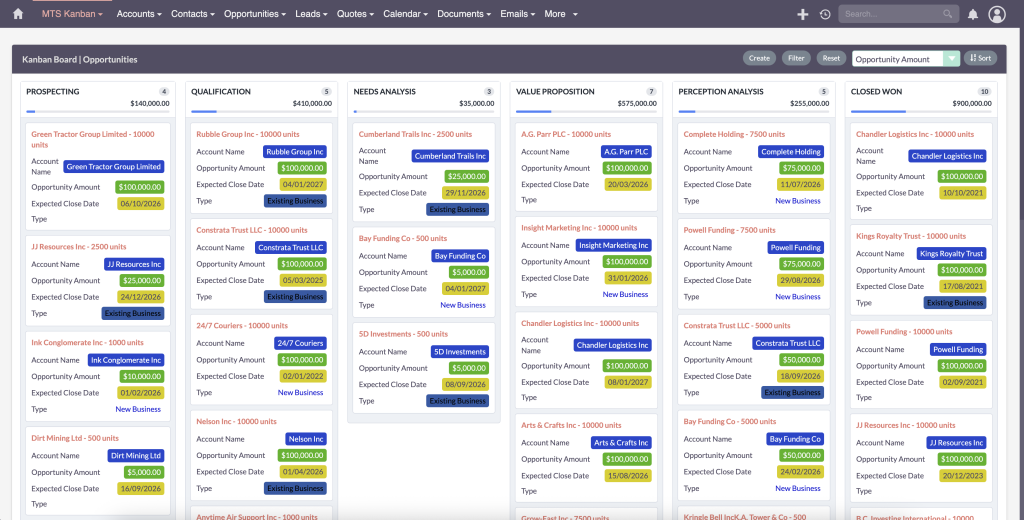
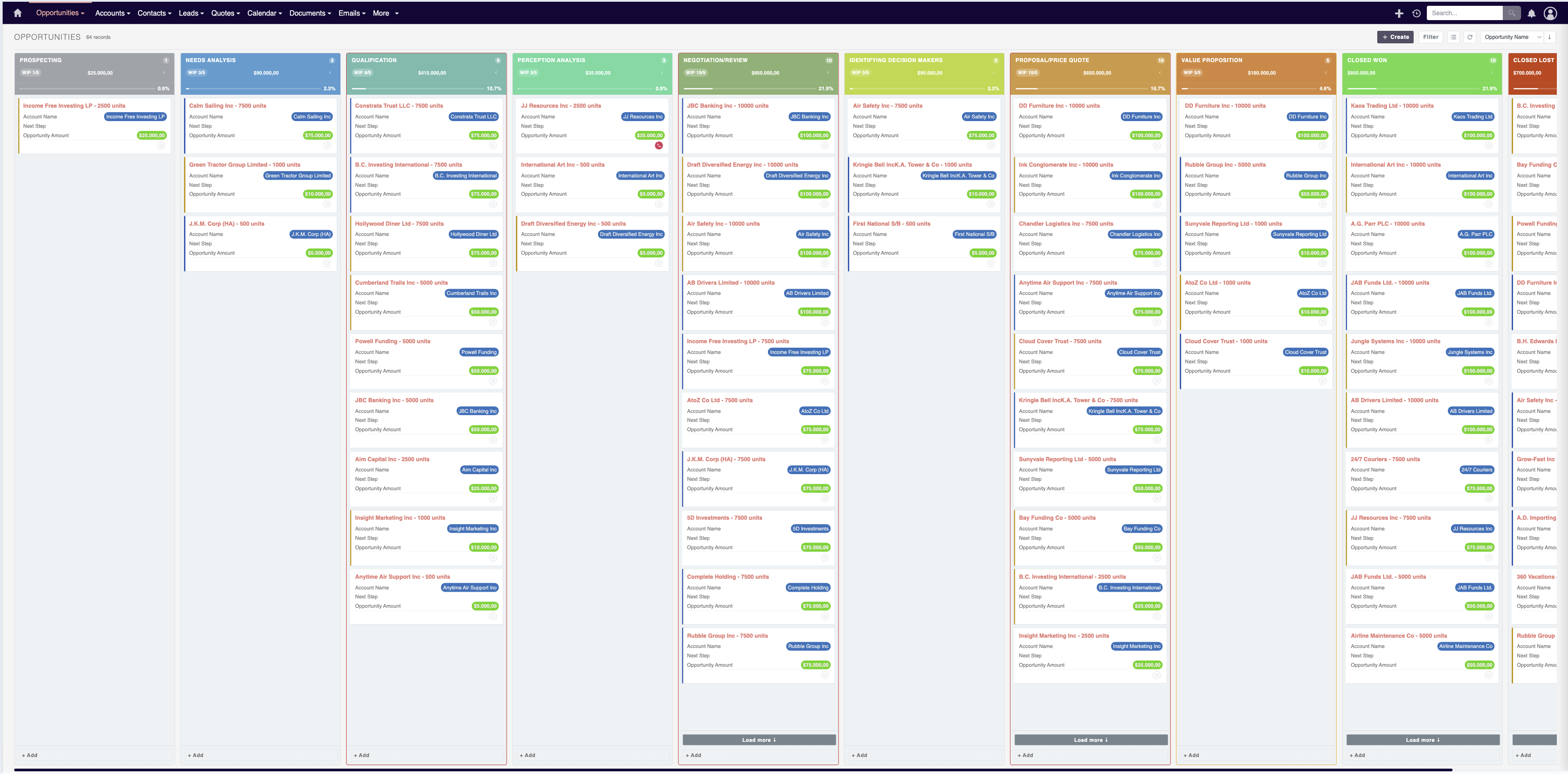
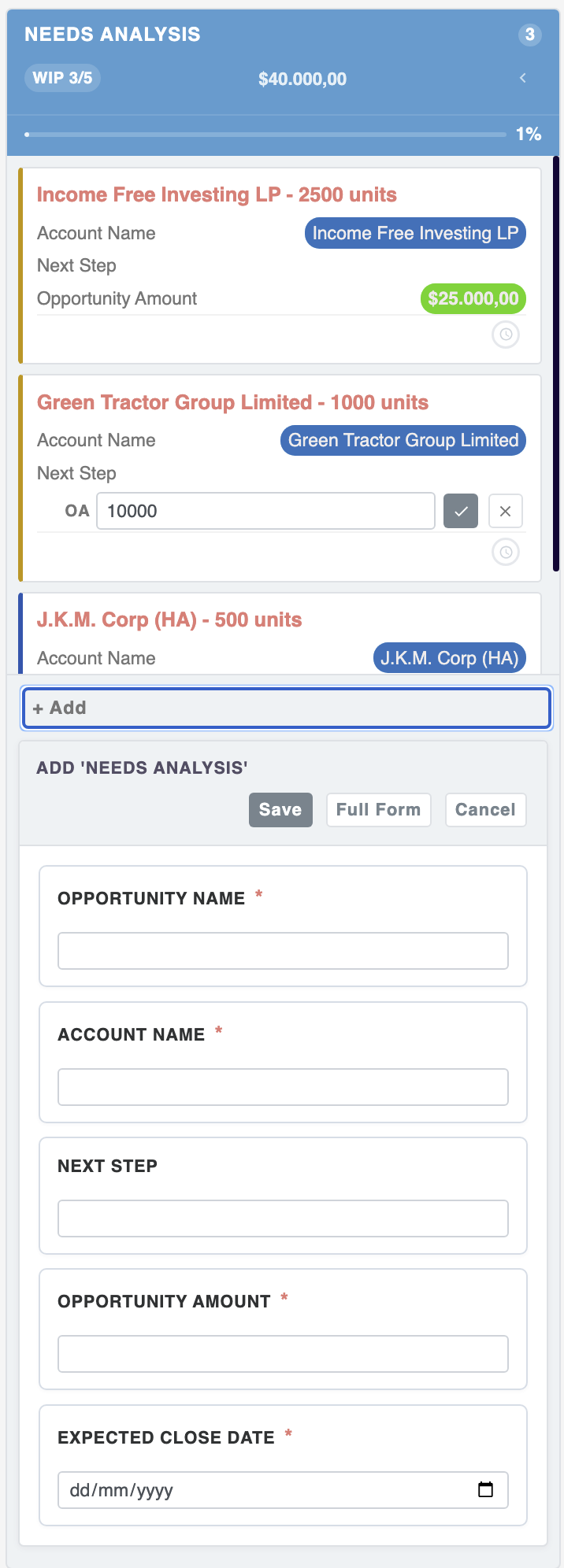
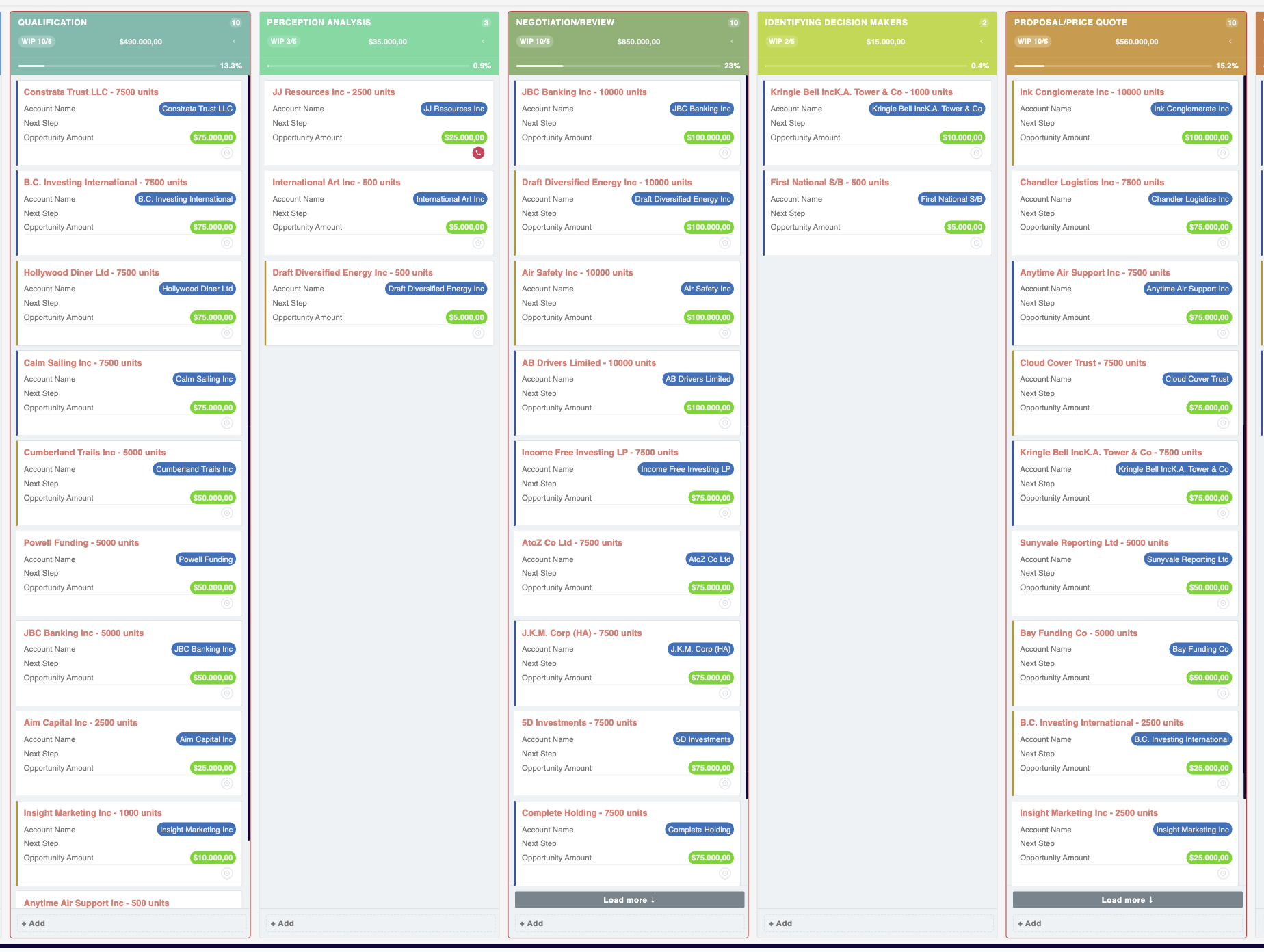
Integrating a drag-and-drop interface, such as the MTS Kanban plugin, transforms how teams interact with their data. Instead of opening individual records to update a sales stage, users can simply drag an Opportunity card from one column to the next. This intuitive interaction model reduces data entry friction and provides sales managers with a real-time, visual snapshot of pipeline health.
Automating Lead Qualification and Prioritization
To achieve this, enterprise teams frequently deploy solutions like the MTS Record Score plugin. This customization automatically assigns weighted scores to records, bringing the highest-value prospects to the top of the queue. Consequently, sales representatives can focus their immediate efforts on leads that are statistically more likely to convert, rather than relying on guesswork or chronological sorting.
Improving Data Navigation and Categorization
Implementing flexible tagging systems allows users to apply multiple, custom identifiers to any record without requiring an administrator to modify database fields continually. Tools like the MTS Tag Field empower users to categorize Accounts, Contacts, and Opportunities on the fly. This flexible architecture supports complex filtering and segmentation, ensuring that targeted lists for marketing campaigns or follow-up calls can be generated in seconds.
✦ Key Takeaways
- ✓ Align CRM architecture with actual business processes to reduce clicks and improve user adoption.
- ✓ Implement visual Kanban boards to streamline pipeline management and reduce data entry time.
- ✓ Utilize automated record scoring to help sales teams prioritize high-value leads efficiently.
- ✓ Integrate flexible tagging systems to enhance data categorization, segmentation, and searchability.
Conclusion
Driving SuiteCRM sales productivity requires moving beyond default configurations to build an environment explicitly tailored to your team’s workflows. By focusing on intuitive UI architecture, implementing visual pipeline management, and automating lead prioritization, organizations can significantly reduce administrative friction. Incorporating specialized enhancements—such as Kanban boards, automated record scoring, and flexible tagging—transforms SuiteCRM into a proactive sales acceleration platform. At Mien Trung Soft, we specialize in architecting and customizing open-source CRM solutions that directly impact your bottom line. Contact our experts today to elevate your CRM capabilities and empower your sales force.
Frequently Asked Questions (FAQ)
How does visual pipeline management improve SuiteCRM sales productivity?
Visual management, such as Kanban boards, allows users to view and update sales stages via drag-and-drop interfaces. This reduces the number of clicks required to manage opportunities, provides instant visibility into bottlenecks, and significantly speeds up daily CRM interactions.
What is the best way to prioritize leads within SuiteCRM?
The most efficient method is implementing an automated lead scoring system. By assigning points based on predefined criteria (like title, industry, or engagement), the CRM automatically ranks leads, allowing sales reps to focus immediately on the highest-potential prospects.
Can custom tagging improve reporting and segmentation in SuiteCRM?
Yes, implementing custom tag fields provides a flexible way to categorize records without altering the core database structure. This enables highly specific filtering, making it much easier to generate targeted lists for sales campaigns or detailed pipeline reports.

Nhat Thieu
CRM · HRM · Custom SoftwareCRM Solution Architect & Developer specializing in open-source CRM/HRM customization, system integration, custom software and AI.