Enterprise Guide to the SuiteCRM User Experience
⚡ Quick Summary / Key Takeaway
SuiteCRM User Experience: The SuiteCRM User Experience determines how efficiently your team navigates, manages, and interacts with customer data. Optimizing it involves customizing the user interface, implementing visual Kanban boards, and highlighting critical fields to reduce cognitive load, increase user adoption, and maximize overall CRM productivity for enterprise teams.
Table of Contents
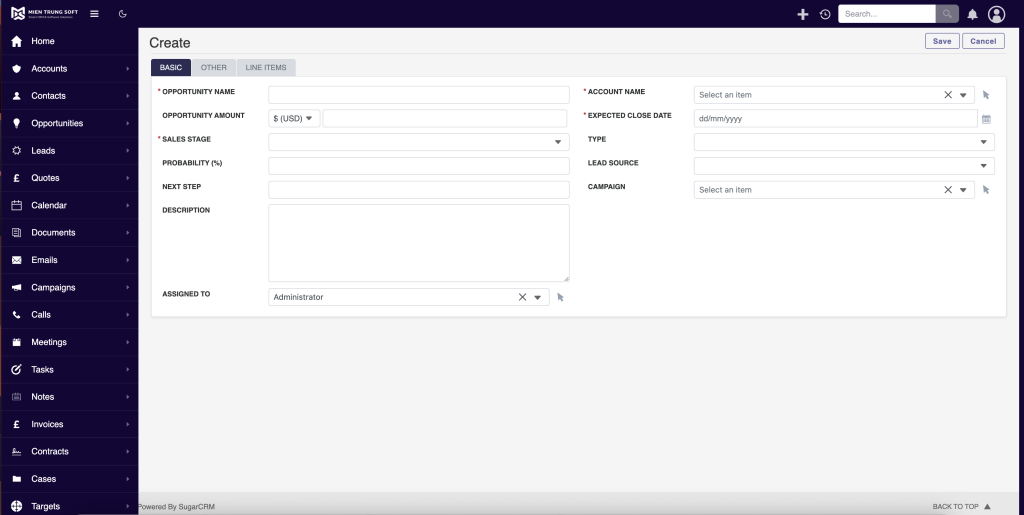
A powerful CRM is only as effective as the team’s willingness to use it. Poor system adoption is often rooted in a clunky, non-intuitive interface that slows down daily operations. By actively managing and optimizing the **SuiteCRM User Experience**, organizations can transform their CRM from a mandatory administrative burden into a seamless, high-performance tool that sales and support teams genuinely enjoy using. This guide explores the critical components of SuiteCRM UI customization, detailing how strategic enhancements—from modern themes to interactive data visualization—can dramatically accelerate enterprise workflows and drive robust user engagement.
The Importance of a Tailored SuiteCRM User Experience
Key Business Benefits of Optimizing UX
* Accelerated Onboarding: Intuitive navigation reduces the training time required for new hires.
* Higher Data Accuracy: Clear layouts and simplified forms encourage users to input complete and accurate information.
* Increased Productivity: Minimizing the number of clicks required to complete standard tasks saves hours of cumulative administrative work every week.
Investing in MTS SuiteCRM development to refine your interface is not just an aesthetic upgrade; it is a strategic maneuver to maximize the return on your CRM investment.
Transforming the Interface with Theme Customization
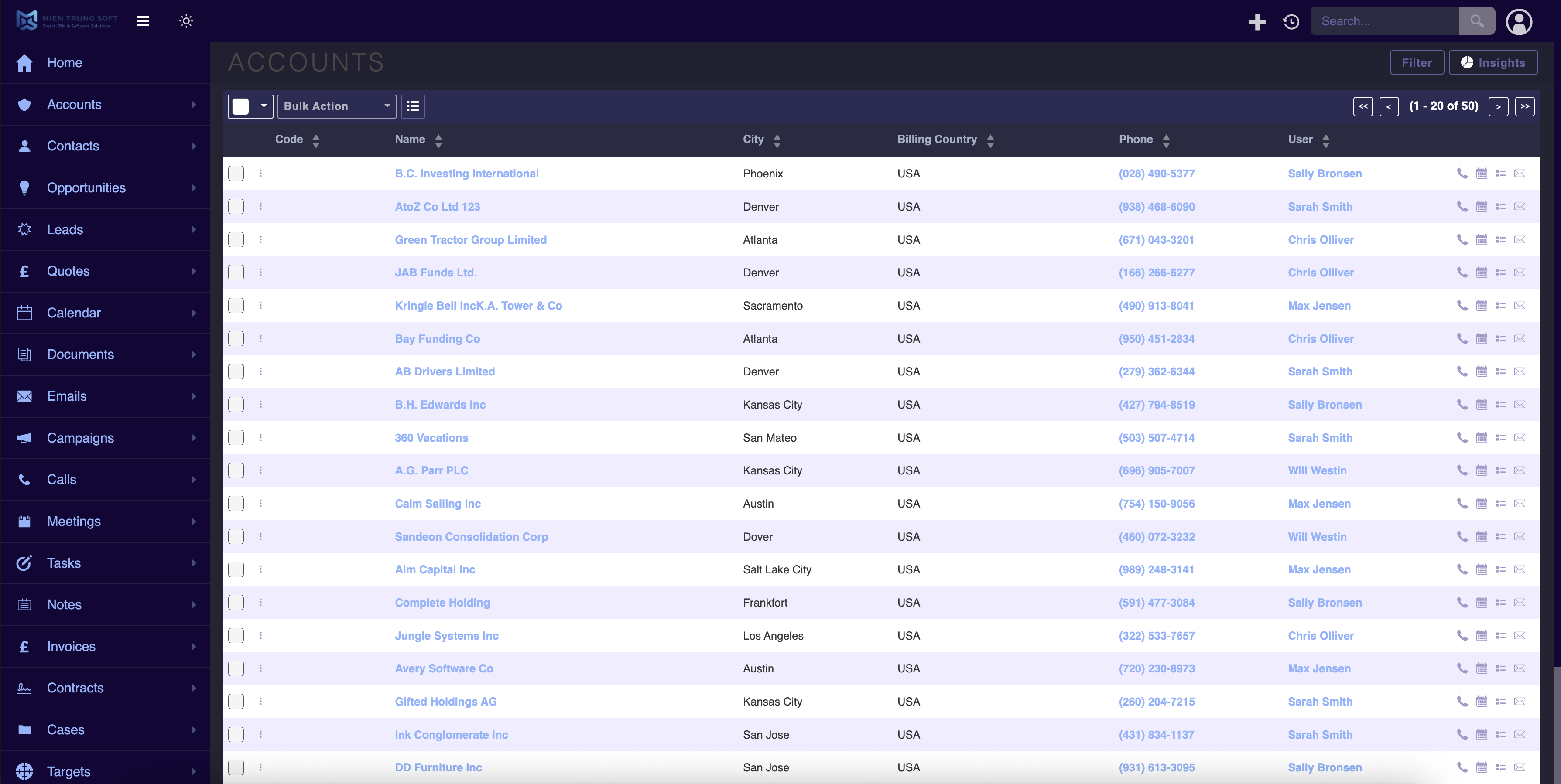
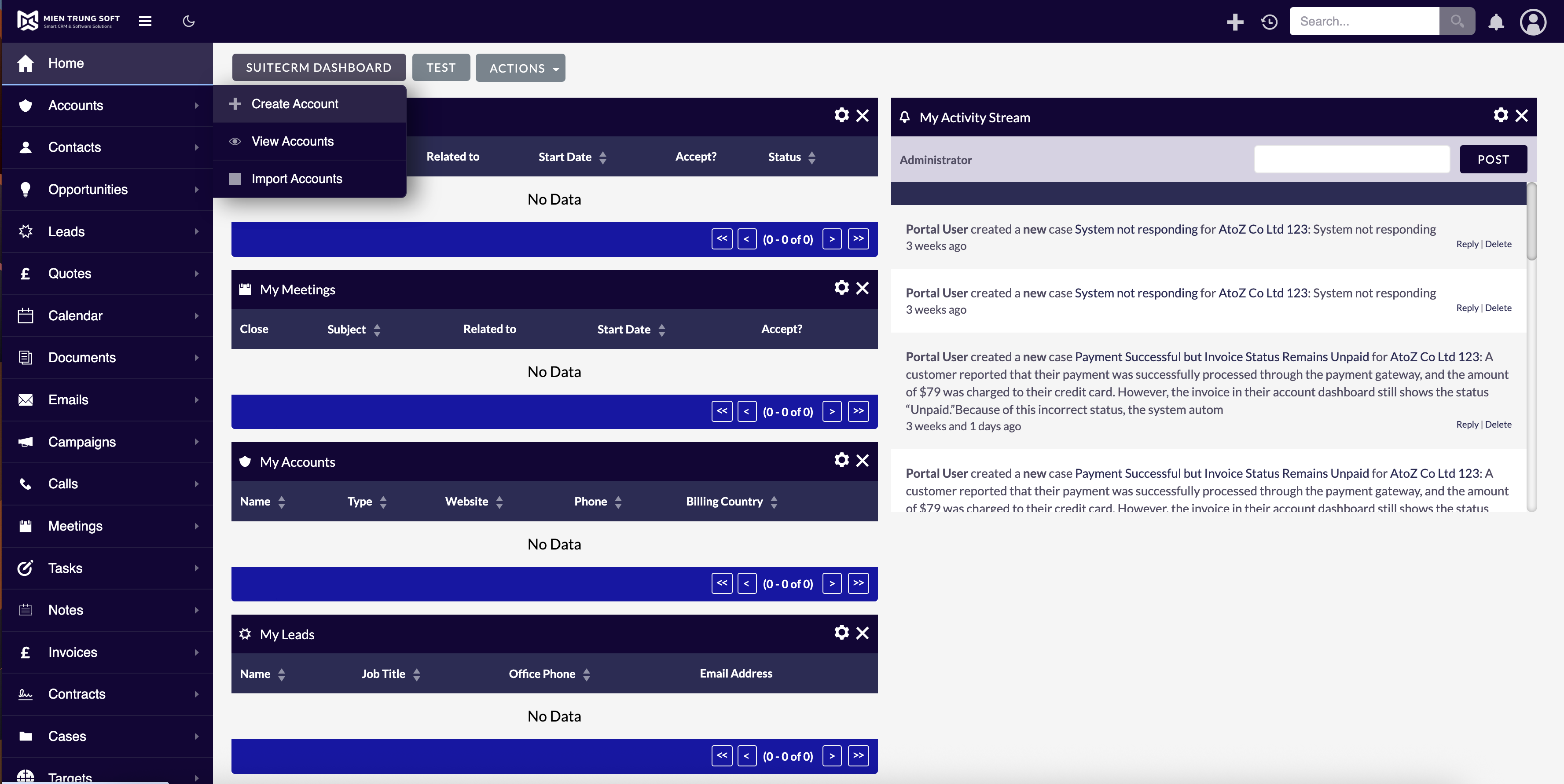
Leveraging a dedicated SuiteCRM UX plugin can bypass complex coding requirements. For instance, the MTS Theme Editor provides administrators with a comprehensive toolkit to completely overhaul the CRM’s appearance.
How to Modernize Your CRM Aesthetics
1. Corporate Branding: Update logos, primary color schemes, and login screens to match your company’s identity, fostering a sense of internal ownership.
2. Navigation Restructuring: Hide unnecessary modules from the top navigation bar to prevent clutter, showing users only the tools they need for their specific roles.
3. Layout Adjustments: Modify font sizes, spacing, and panel configurations to improve readability across different devices and monitor sizes.
Following a structured SuiteCRM 8 user interface guide ensures these visual changes maintain the platform’s responsive design and underlying functionality.
Streamlining Workflows with Visual Kanban Boards
Implementing tools like the MTS Kanban plugin shifts the paradigm from reading rows of data to visually managing workflows.
Advantages of Kanban in SuiteCRM
* Drag-and-Drop Efficiency: Users can effortlessly move Leads, Opportunities, or Cases from one stage to another with a simple drag-and-drop action, instantly updating the underlying database record.
* Pipeline Visibility: Sales managers gain an immediate, high-level overview of where deals are bottlenecked within the sales cycle.
* Customizable Columns: Columns can be mapped to any dropdown field (e.g., Sales Stage, Status), allowing different departments to build Kanban boards tailored to their specific processes.
Enhancing Data Visibility with Field Highlighting
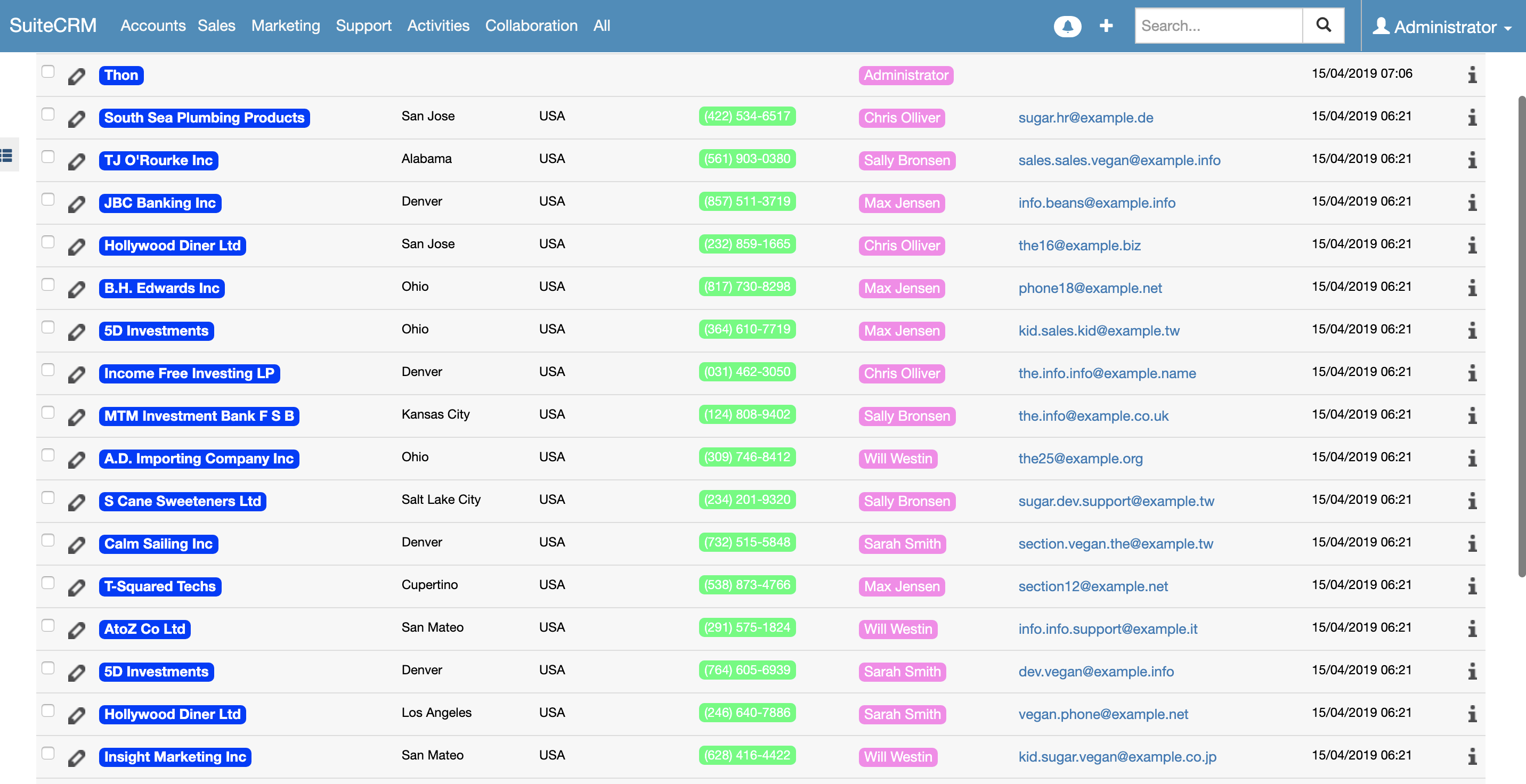
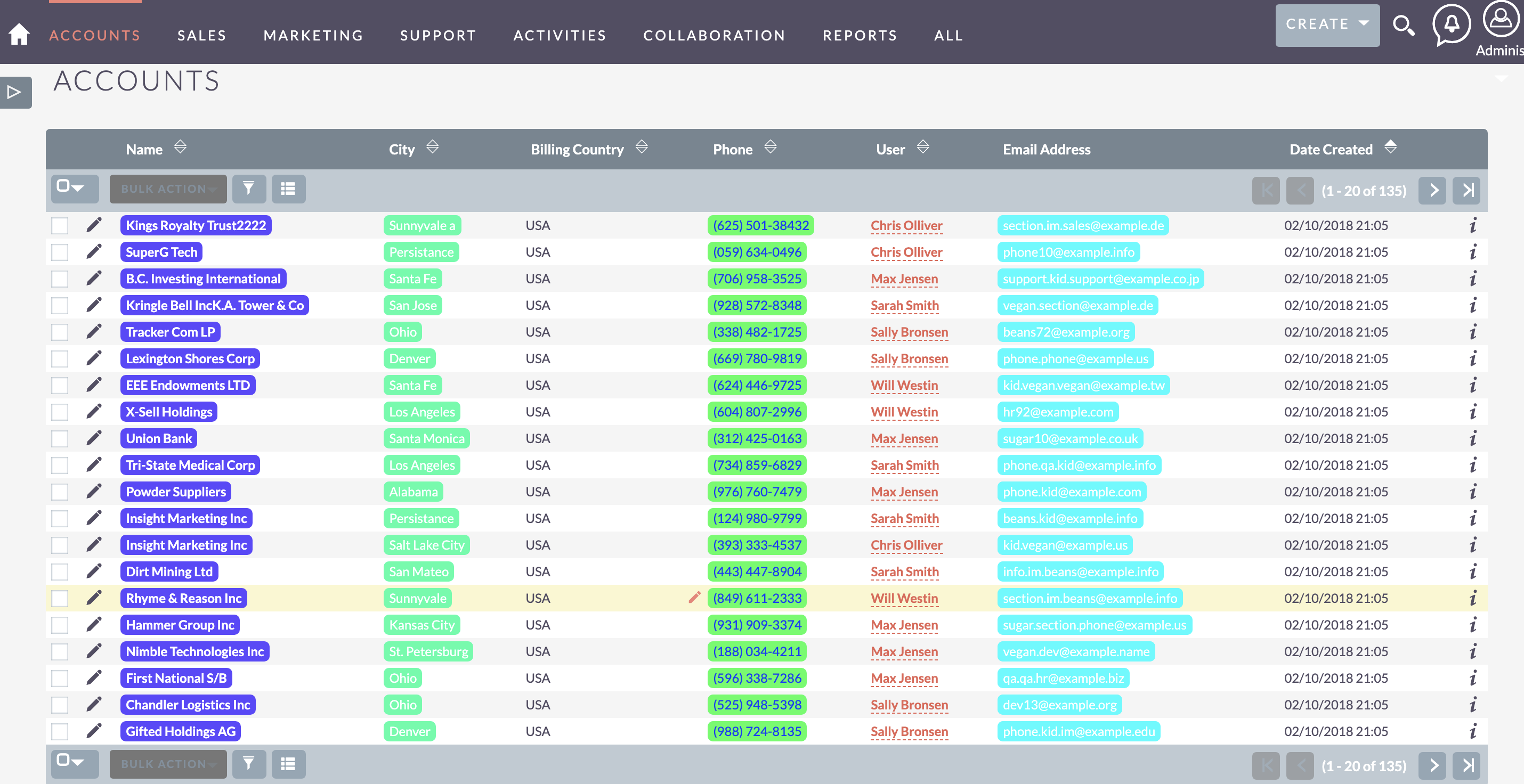
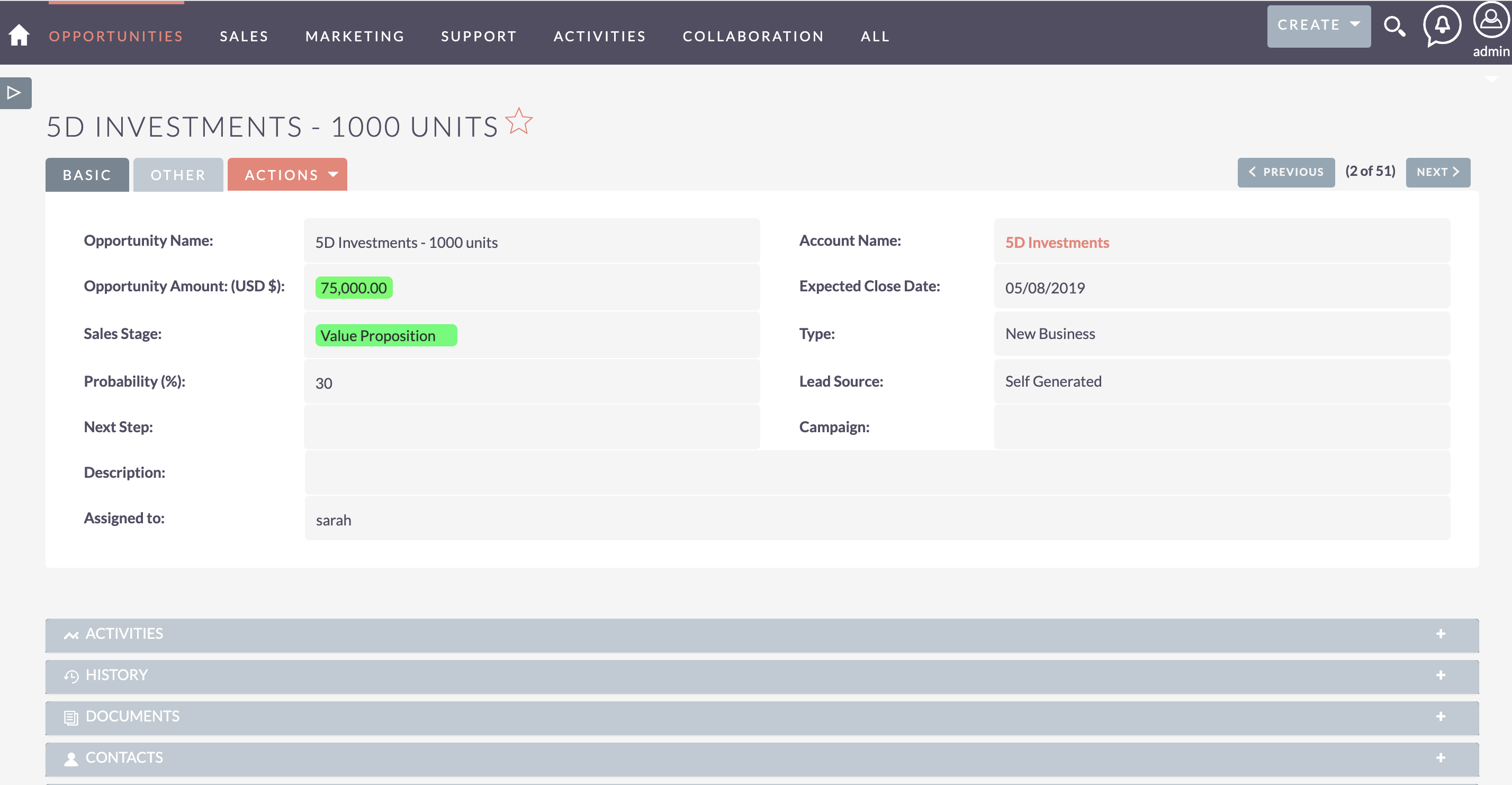
A superior SuiteCRM User Experience proactively draws the user’s eye to the data that matters most. The MTS Field Highlight plugin allows administrators to apply dynamic, conditional formatting to specific fields based on their values.
Implementing Strategic Highlights
1. Define Business Rules: Identify which data points require immediate attention (e.g., Opportunities over $100k, past-due tasks, or specific account types).
2. Apply Color Coding: Use intuitive colors—such as red for urgent items or green for positive statuses—to immediately communicate context without requiring the user to read every word.
3. Apply Across Views: Ensure that these highlights are visible not only in the detailed record view but also in list views and subpanels, providing consistent visual cues throughout the system.
Enterprise Best Practices for UI Customization
Steps for a Successful UX Overhaul
* Conduct User Audits: Before making changes, shadow your end-users. Identify their most frequent clicks, where they get stuck, and which screens they find overwhelming.
* Iterative Rollouts: Introduce UI changes gradually rather than all at once. This prevents user shock and allows you to gather feedback on specific modifications.
* Role-Based Layouts: Utilize SuiteCRM’s robust security group and role management features to present different interfaces to different teams. A marketing manager does not need to see the exact same layout as a technical support engineer.
* Maintain Performance: Ensure that any installed SuiteCRM UX plugin is optimized and does not degrade page load speeds, as sluggish performance is detrimental to the user experience.
✦ Key Takeaways
- ✓ A tailored SuiteCRM User Experience is critical for maximizing user adoption and data accuracy.
- ✓ The MTS Theme Editor allows for deep visual and structural customization without requiring complex code.
- ✓ Replacing static lists with visual Kanban boards accelerates workflow management and pipeline visibility.
- ✓ Dynamic field highlighting ensures users instantly notice high-priority data points across all CRM views.
- ✓ Successful UI customization relies on role-based layouts, user audits, and iterative rollouts.
Conclusion
Optimizing the SuiteCRM User Experience is a continuous journey that directly correlates with the success of your CRM strategy. By moving beyond default layouts and actively shaping the interface with custom themes, intuitive Kanban boards, and strategic field highlighting, organizations can dramatically improve efficiency and user satisfaction. As an industry leader in MTS SuiteCRM development, Mien Trung Soft provides the specialized plugins and deep architectural consulting required to transform your CRM into an enterprise-grade engine of productivity.
Frequently Asked Questions (FAQ)
Why is the SuiteCRM User Experience important for enterprise adoption?
A poorly designed interface causes friction, leading to incomplete data entry and low user adoption. Optimizing the SuiteCRM User Experience ensures the system aligns with daily workflows, making it easier and faster for employees to do their jobs, thereby maximizing the CRM’s ROI.
Can I customize the SuiteCRM UI without hiring a developer?
Yes. By utilizing dedicated SuiteCRM UX plugins like the MTS Theme Editor, administrators can safely alter color schemes, hide unnecessary modules, and adjust layouts directly through an intuitive administration panel without writing custom code.
How do visual plugins like Kanban improve daily CRM tasks?
Visual plugins convert traditional rows of data into interactive columns representing process stages. This allows users to drag and drop records (like moving a Lead to ‘Qualified’), which is faster, more intuitive, and provides managers with an instant visual snapshot of pipeline health.

Nhat Thieu
CRM · HRM · Custom SoftwareCRM Solution Architect & Developer specializing in open-source CRM/HRM customization, system integration, custom software and AI.